
Latest posts
-
How to Track Projects and Tasks in Excel
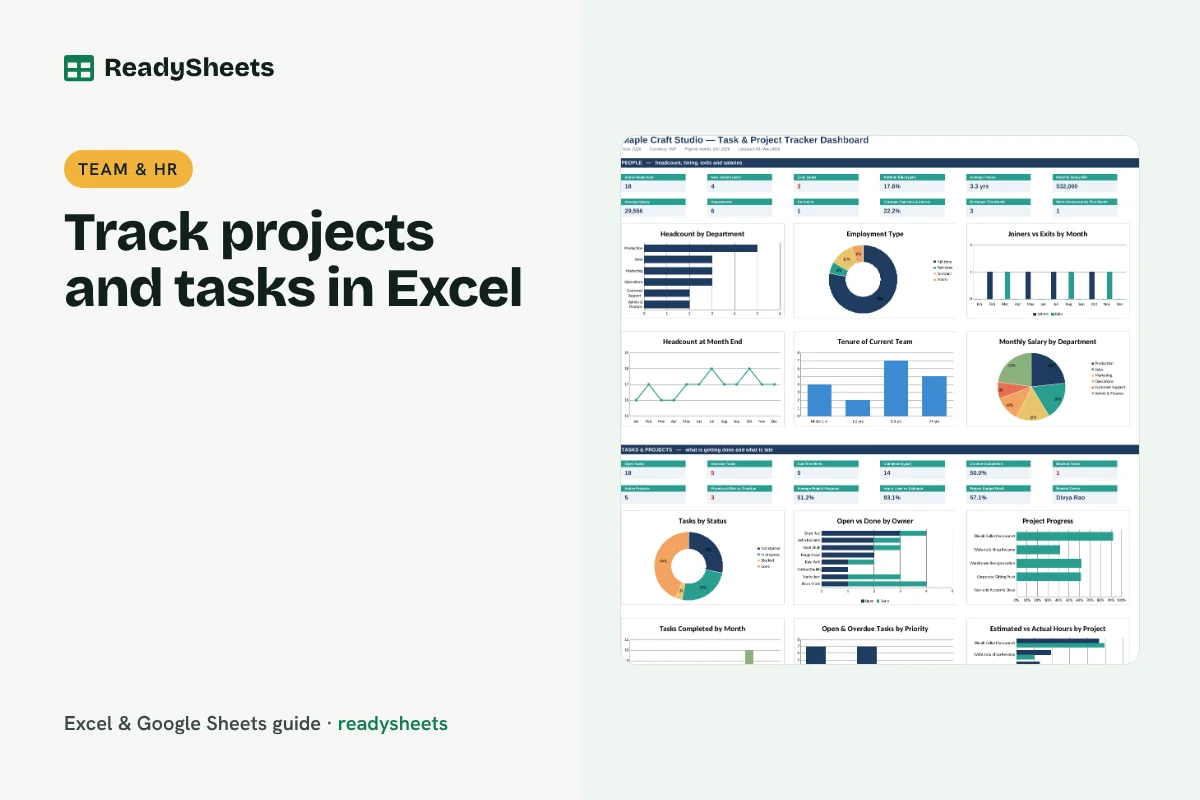
Track projects and tasks in Excel with owners, priorities, due dates, status, hours and progress, and spot overdue work before it slips.
-
How to Make a Staff Shift Schedule in Excel
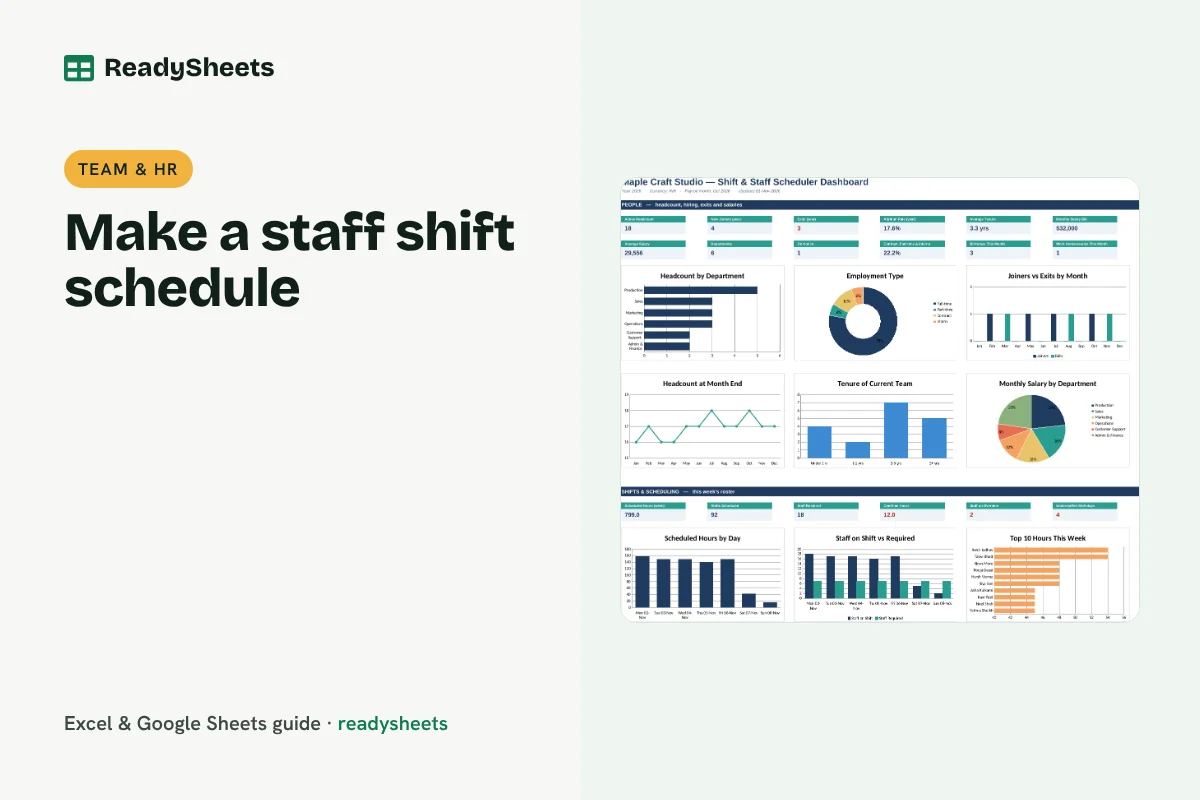
Make a weekly staff shift schedule in Excel with shift codes, hours per person, overtime alerts and a coverage check against minimum staff.
-
How to Calculate Payroll in Excel for a Small Business in India
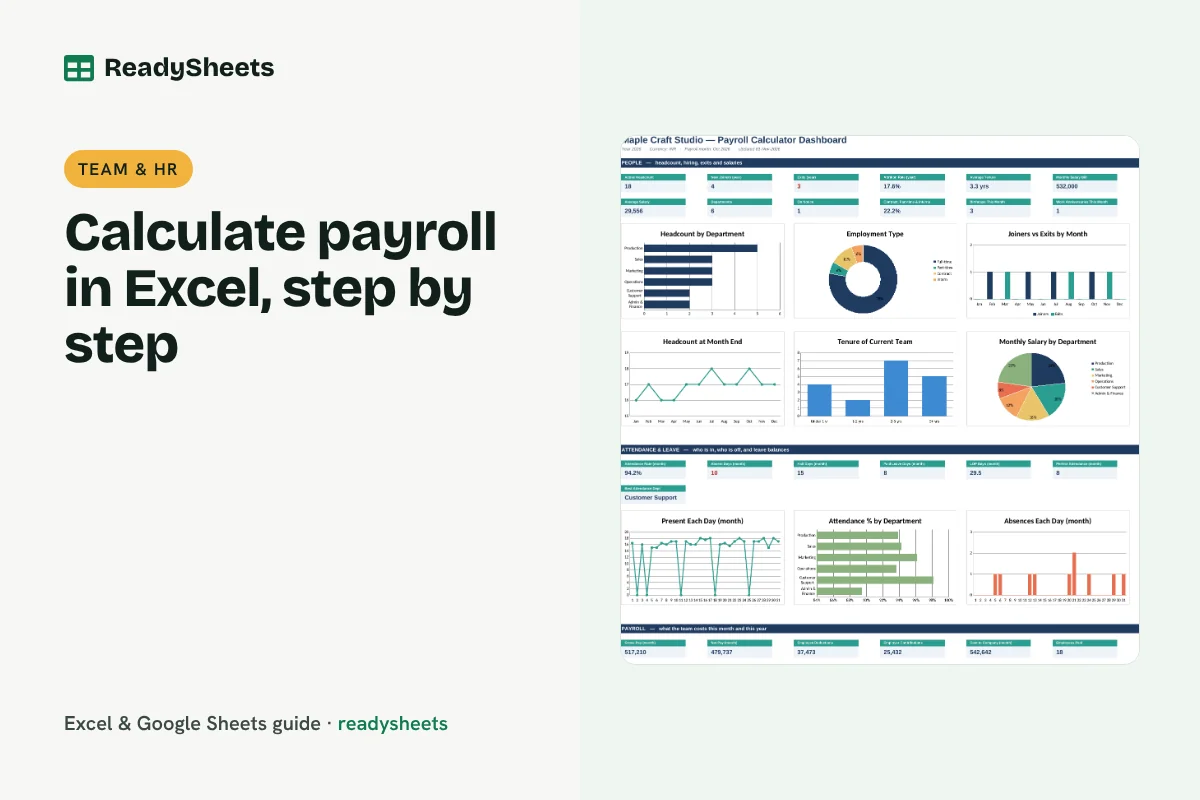
Calculate payroll in Excel for an Indian small business: earned pay from attendance, PF, ESI, professional tax and TDS deductions, and net pay.
-
How to Track Employee Attendance and Leave in Excel
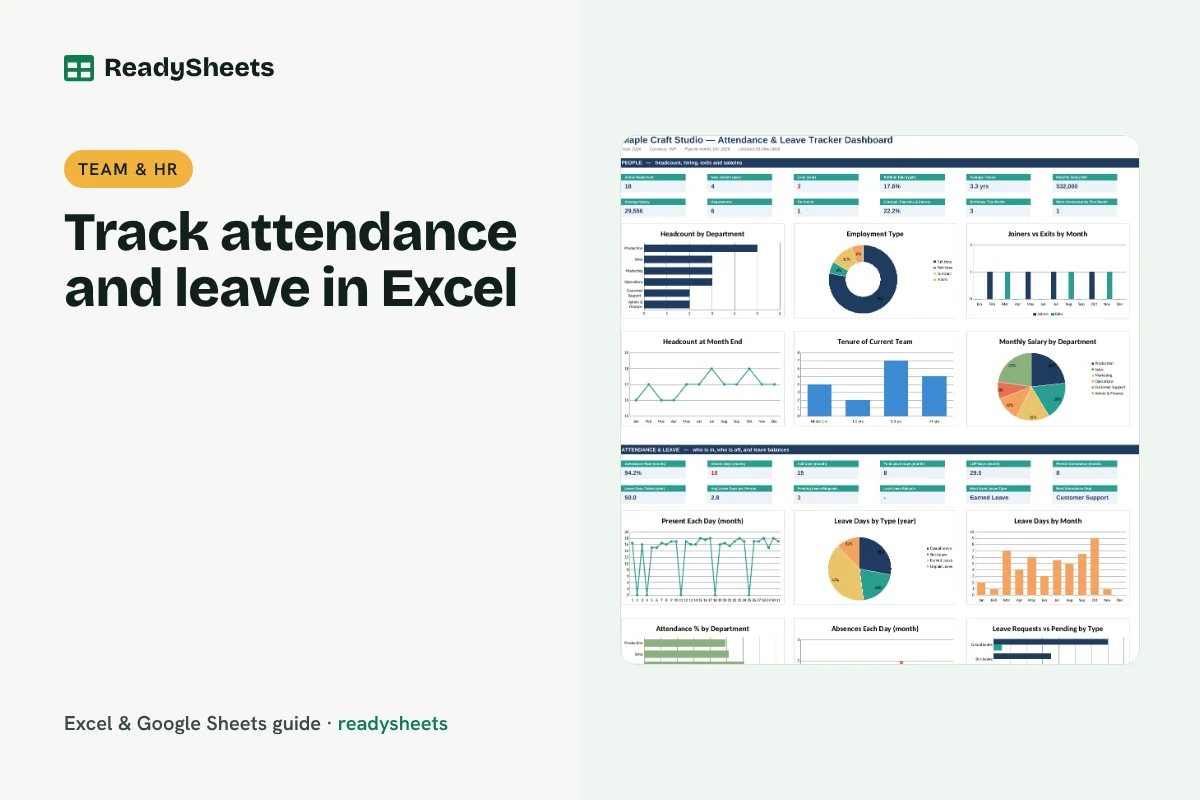
Track employee attendance in Excel with daily codes, count paid and loss-of-pay days, record leave requests and keep leave balances up to date.
-
How to Create an Employee Database in Excel
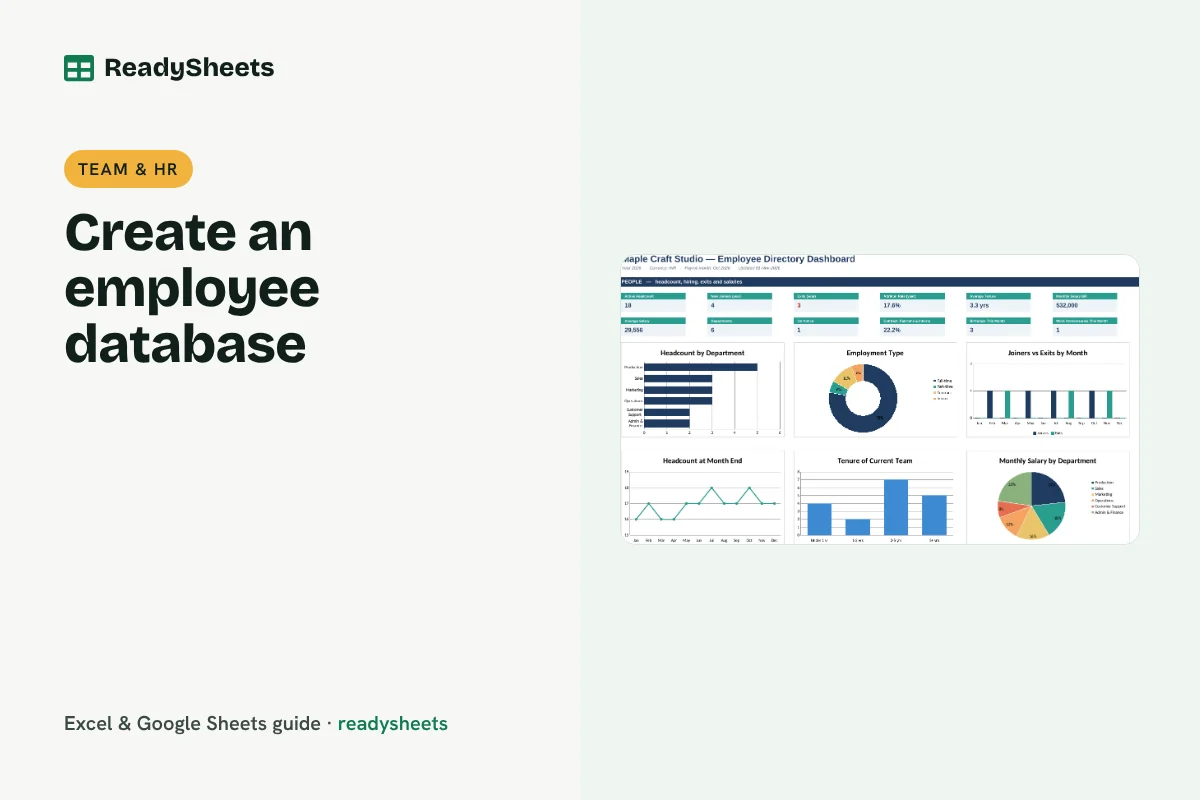
Create an employee database in Excel with roles, departments, salary and status, plus tenure, birthdays, work anniversaries, joiners and exits.
-
How to Calculate NPS in Excel and Track Customer Feedback
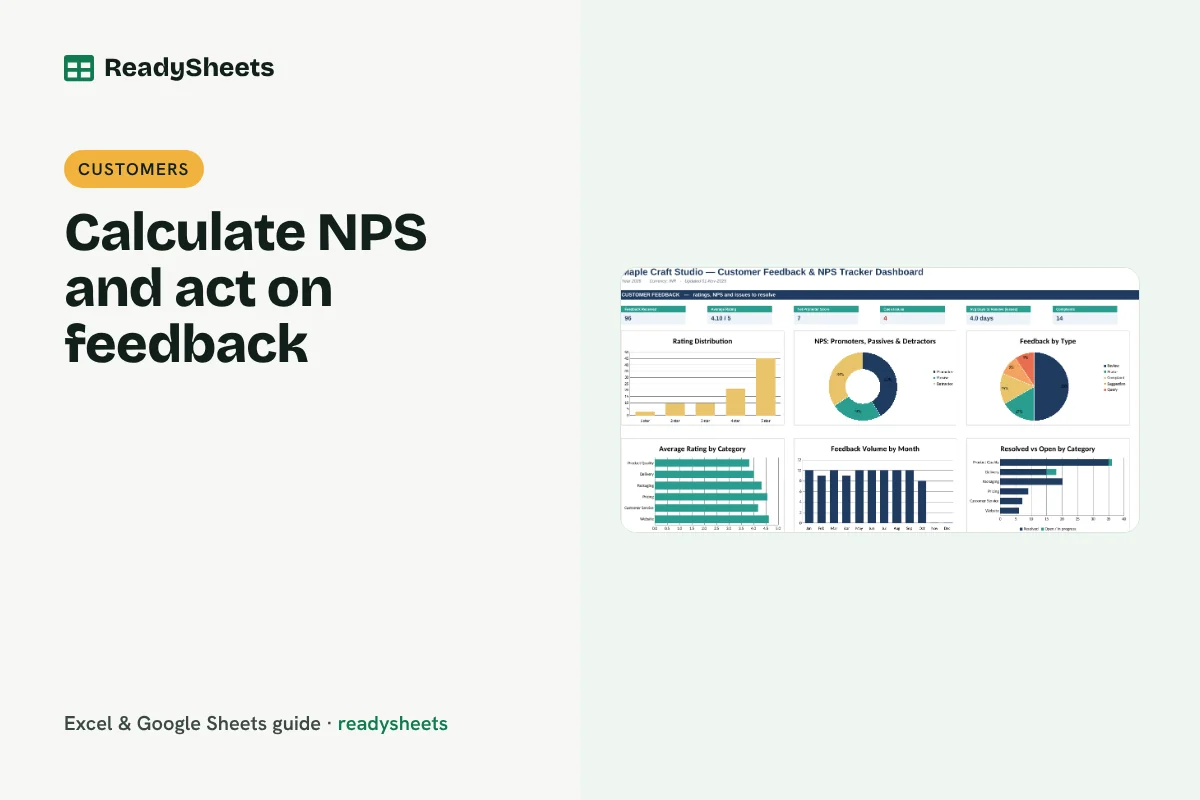
Calculate NPS in Excel from 0 to 10 scores, group promoters, passives and detractors, and log customer feedback until every issue is resolved.
-
How to Plan a Marketing Campaign in Excel
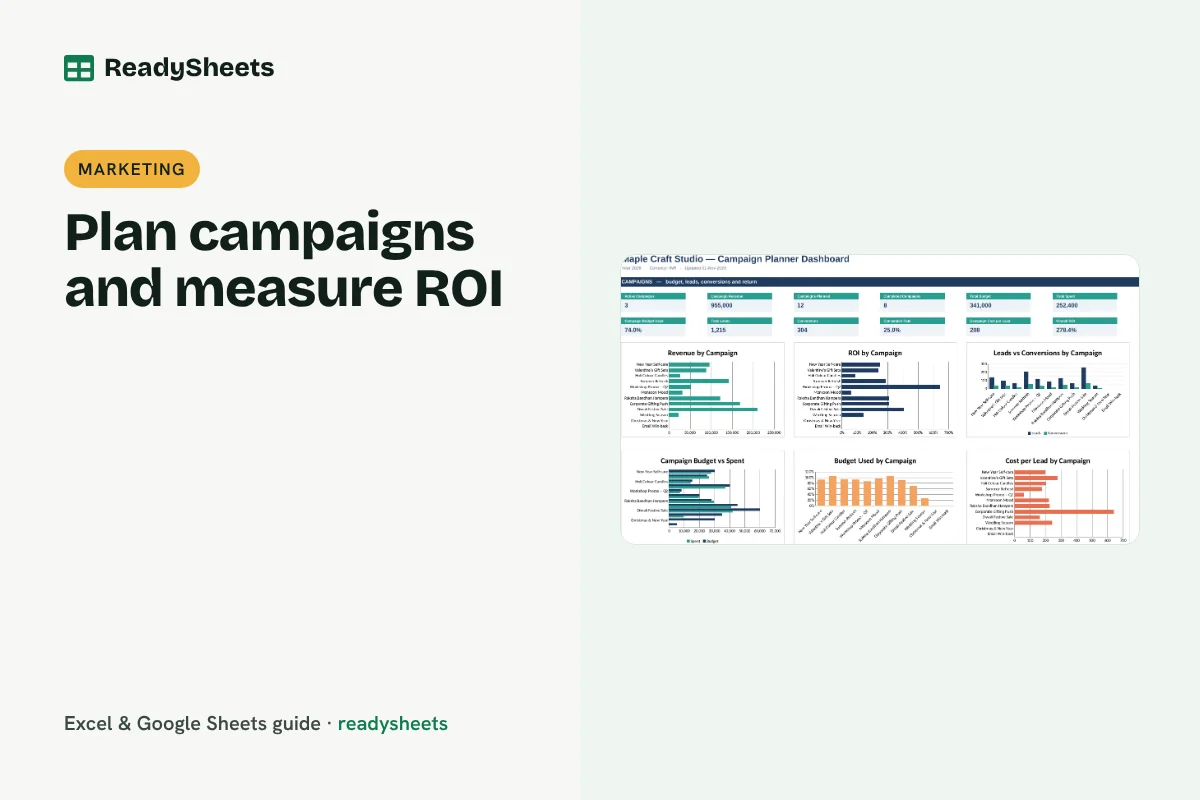
Plan a marketing campaign in Excel with objectives, dates and budget, then measure spend, leads, conversions, cost per lead and ROI.
-
How to Create a Social Media Content Calendar in Excel
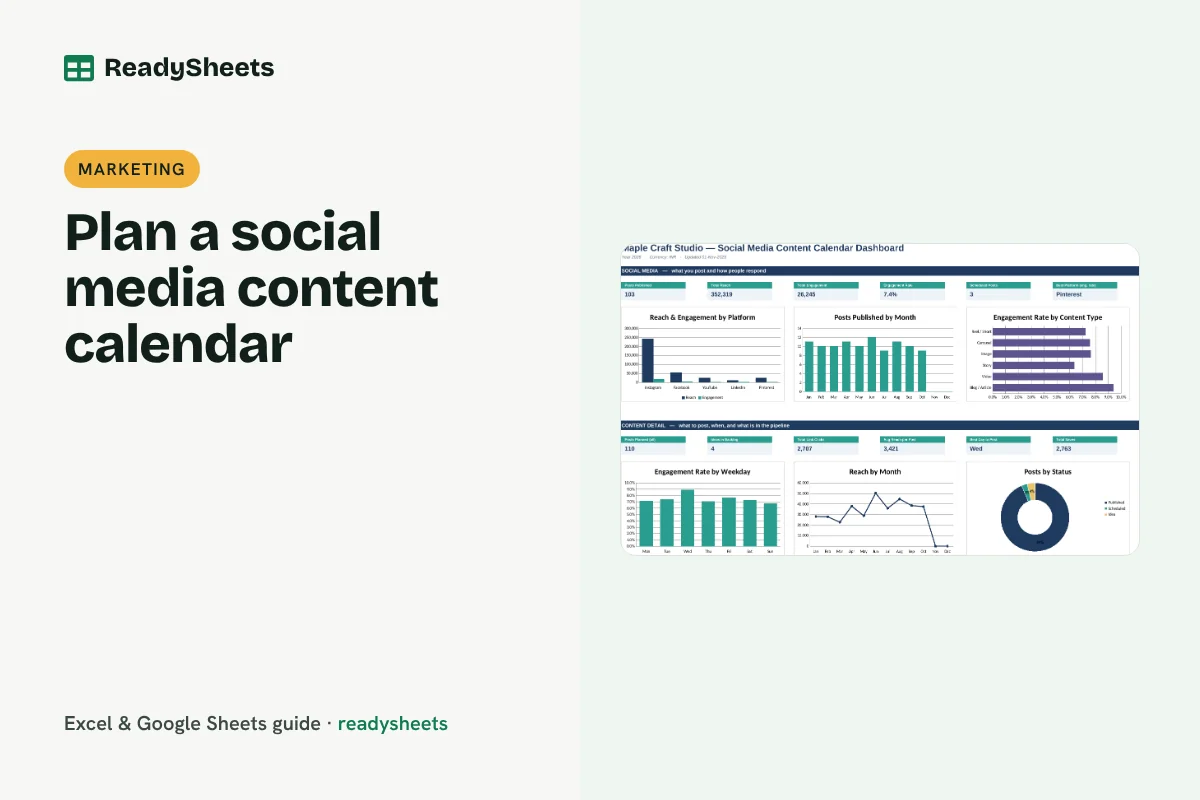
Create a social media content calendar in Excel: plan posts by date and platform, track status, record reach and engagement and find what works.
-
Excel Templates for Small Business: Which Ones You Actually Need
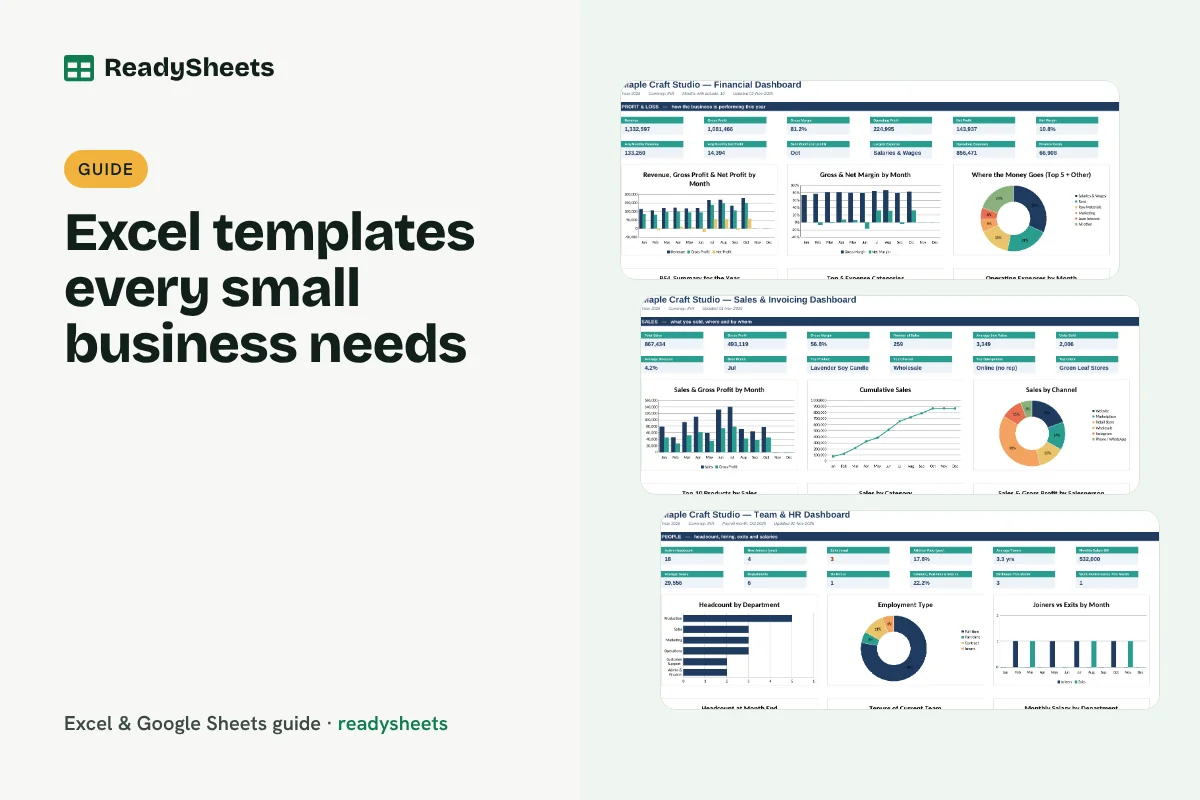
A practical guide to the Excel templates for small business owners: finance, sales, stock, customers, team and planning, and which to set up first.
-
How to Calculate Marketing ROI in Excel
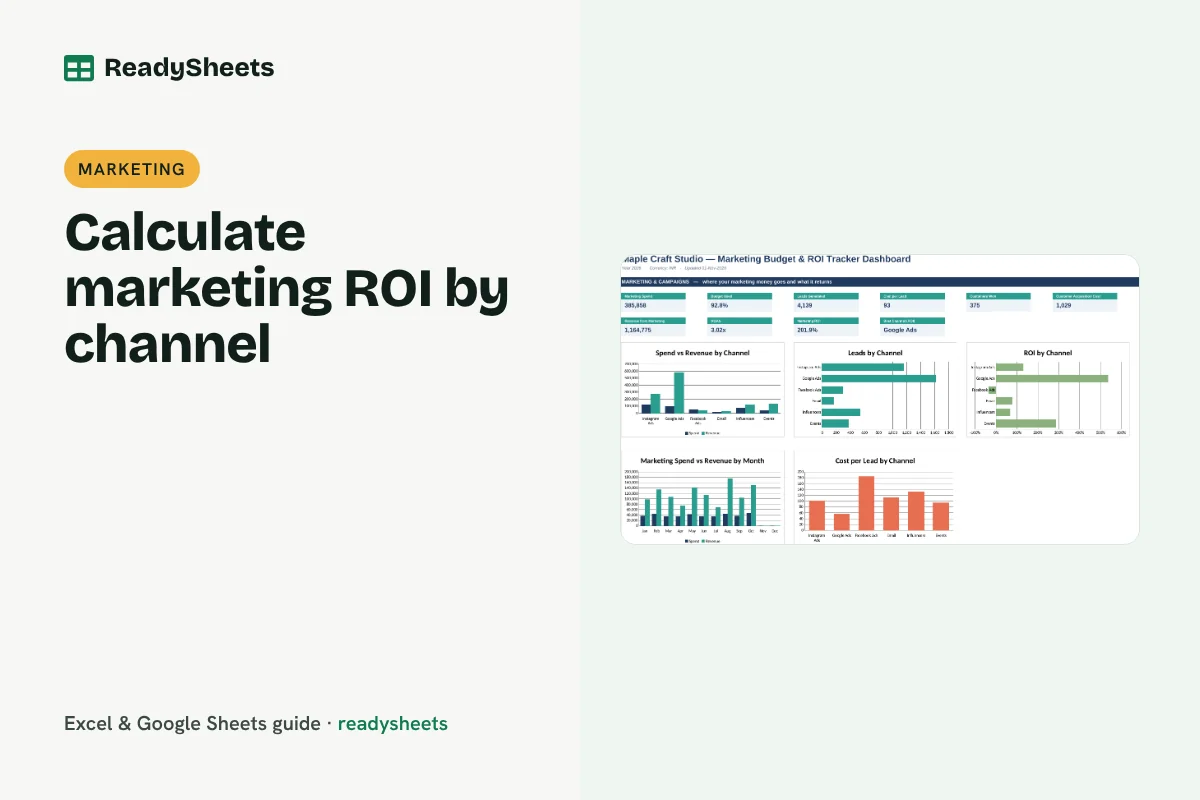
Calculate marketing ROI in Excel by channel: budget vs spend, cost per lead, customer acquisition cost, ROAS and ROI for every month.