
Small teams often run projects from chat messages and memory, until something important is missed. This guide shows how to track projects and tasks in Excel so every task has an owner, a due date and a visible status.
1. List your projects
Record Project ID, name, owner, start date, due date and estimated hours. Keep the list short; a project is a goal with an end date, not an ongoing activity.
2. Break projects into tasks
For each task, record project ID, task, owner, priority, start date, due date, status and estimated hours. Use dropdowns for owners, priorities and statuses.
Example
| Task | Owner | Due | Status | Overdue |
|---|---|---|---|---|
| Design festive packaging | Ananya | 10 Oct | Done | |
| Order printed boxes | Rahul | 14 Oct | In progress | Yes |
3. Flag overdue and due-soon tasks
A task is overdue when today is past the due date and it is not done. Use conditional formatting for overdue and due-this-week tasks.
4. Roll up progress and hours
Project progress = done tasks ÷ total tasks, or the average % complete. Compare estimated and actual hours by project with SUMIFS, and count open tasks per owner to spot overload.
Keep it working
Hold a weekly review
Ten minutes a week to update statuses keeps the tracker honest.
Write tasks as actions
Start each task with a verb, such as Order, Draft or Call, so it is clear what done means.
Limit work in progress
Too many open tasks per person slows everything down.
FAQs
When is Excel enough for project management?
For small teams and simple projects, it works well. Larger teams with dependencies may need dedicated software.
How do I show progress?
Use a progress percentage per project and a chart of tasks by status.
Should I track hours?
If you quote or budget by time, yes. Comparing estimated and actual hours improves future estimates.
Get the template
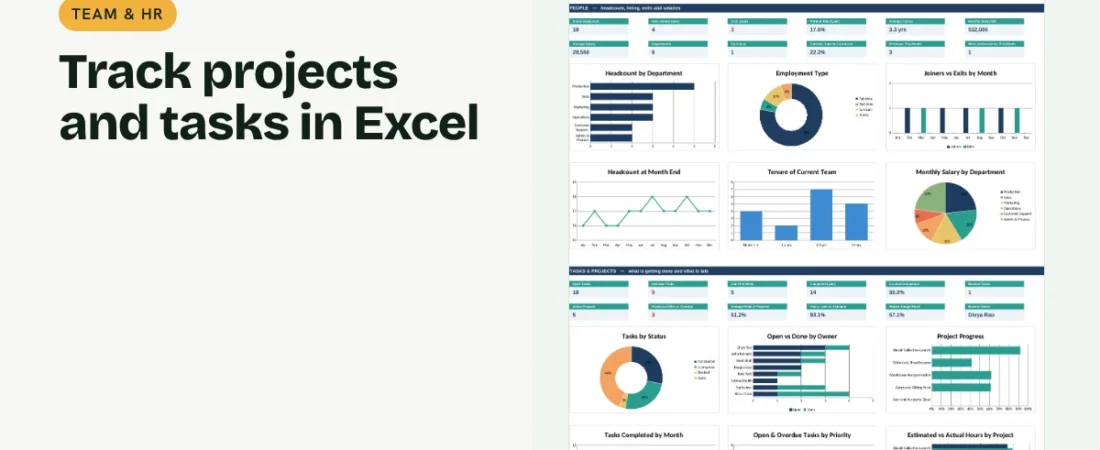
The ReadySheets Task & Project Tracker tracks tasks with owners, priorities and hours, flags overdue work and shows project progress and workload on a dashboard.
Related guides: How to Make a Staff Shift Schedule in Excel · How to Create an Employee Database in Excel