
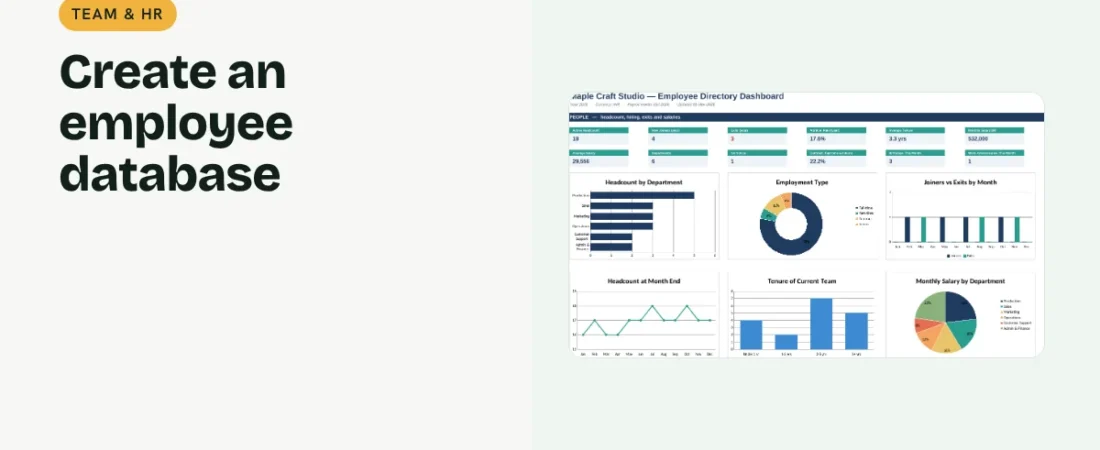
Even a small team needs one reliable place for employee details. This guide shows how to create an employee database in Excel that also works out tenure, upcoming birthdays and headcount for you.
1. Choose the fields
Use Employee ID, name, department, role, employment type, location, phone, email, join date, date of birth, manager, monthly salary and status. Keep sensitive data limited and the file protected.
2. Keep leavers instead of deleting them
When someone leaves, set Status to Exited and add an exit date. Keeping the row preserves history for headcount, attrition and future references.
Example rows
| ID | Name | Department | Join date | Status | Tenure |
|---|---|---|---|---|---|
| E001 | Priya Nair | Production | 12 Jun 2021 | Active | 5.4 yrs |
| E014 | Rahul Das | Sales | 3 Feb 2025 | Exited |
3. Add calculated fields
Tenure in years = (today − join date) ÷ 365.25. Use MONTH() to flag birthdays and work anniversaries this month. Band tenure into groups such as under 1 year, 1–2 years and 2–5 years.
4. Summarize the team
Use COUNTIFS for active headcount by department and type, joiners and exits in the year and attrition rate. Total monthly salary by department shows where payroll cost sits.
Good HR record habits
Restrict access
Salary and personal details should be visible only to people who need them.
Update on the day
Record joins, role changes and exits when they happen, not at month end.
Use IDs everywhere
Attendance, payroll and task sheets can refer to the same Employee ID, which avoids name mix-ups.
FAQs
What is attrition rate?
The number of people who left in a period divided by the average headcount for that period.
Should contractors be included?
Yes, with an employment type of Contract, so headcount can be shown with or without them.
Is Excel safe for employee data?
It can be, with password protection, limited sharing and secure storage. Follow applicable data protection rules.
Get the template
The ReadySheets Employee Directory stores employee details, calculates tenure, flags birthdays and anniversaries and shows headcount, attrition and salary cost on a dashboard.
Related guides: How to Track Employee Attendance and Leave in Excel · How to Calculate Payroll in Excel for a Small Business in India