
Payroll has to be right every month. A clear sheet makes each step visible: what was earned, what was deducted and what is paid. This guide shows how to calculate payroll in Excel for a small business in India, with rates you can update when the rules change.
1. Start from salary and attendance
Take each employee’s monthly gross salary and paid days for the month. Earned gross = gross salary × paid days ÷ days in the month.
2. Split salary into components
Many businesses set basic pay as a percentage of gross, with the rest as allowances. Statutory deductions such as PF are usually calculated on basic or wages, so keep basic in its own column.
Example: earned pay
| Item | Value |
|---|---|
| Monthly gross salary | ₹30,000 |
| Days in month | 30 |
| Paid days | 26 |
| Earned gross | ₹26,000 |
Deductions are then applied to the earned figures using the rates in your table. Rates here are deliberately left out because they depend on current rules and each employee’s eligibility.
3. Apply deductions from a rates table
Keep PF, ESI, professional tax and TDS rates and wage limits in one small table at the top of the sheet, and refer to it in formulas. Contribution rates, wage ceilings and professional tax slabs are set by EPFO, ESIC and your state and can change, so check current rules before each year.
4. Calculate net pay and cost to company
Net pay = earned gross − employee deductions. Cost to company = earned gross + employer contributions. Total the columns and copy the monthly totals into a payroll history table.
Payroll safeguards
Keep rates in one place
A single rates table means one update when rules change, instead of editing every formula.
Reconcile with bank payments
Total net pay should match what leaves the bank on salary day.
Get professional advice
Have an accountant review your setup, especially for TDS and statutory registrations.
FAQs
Is basic pay the same as gross salary?
No. Basic is one component of gross. Allowances make up the rest.
Does every employee need PF and ESI?
It depends on business registration, employee wages and current eligibility rules. Confirm with EPFO and ESIC guidance or your accountant.
Can attendance feed payroll automatically?
Yes. Link paid days from the attendance register so earned pay updates itself.
Get the template
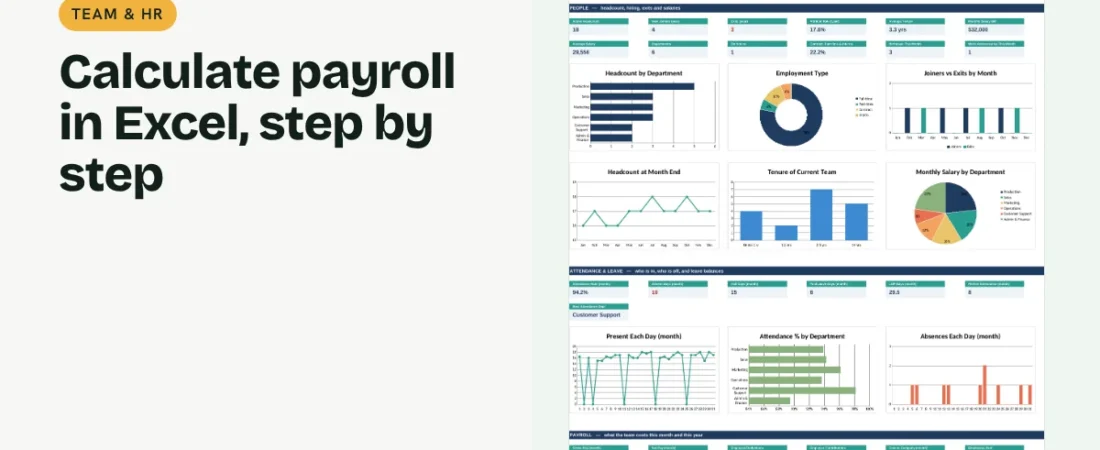
The ReadySheets Payroll Calculator works out earned pay from attendance, applies PF, ESI, professional tax and TDS from an editable rates table and keeps a monthly payroll history with a dashboard.
Related guides: How to Track Employee Attendance and Leave in Excel · How to Create an Employee Database in Excel