
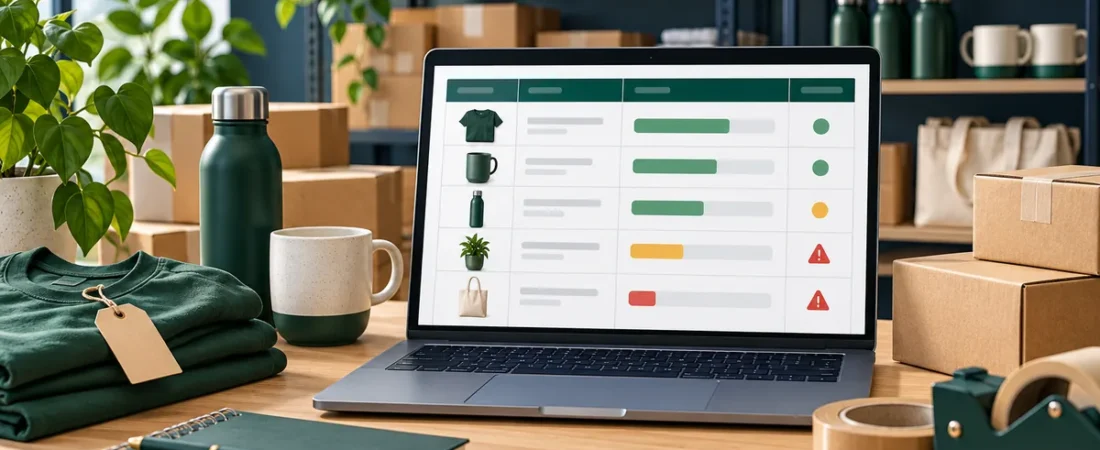
An inventory sheet is most useful when it reflects stock movements promptly. It can help answer what is on hand, which items are running low and what value is tied up in products. The accuracy depends on careful counts and consistent updates. Here is how to track inventory in Excel for a small business, from the product list to reorder alerts.
1. Create a product master list
Give every item a unique SKU. Add Product Name, Category, Unit Cost, Selling Price, Opening Stock and Reorder Level. Keep one product per row and avoid duplicate SKU values.
2. Record stock movements
Use a movement log with Date, SKU, Movement Type, Quantity and Reference. Enter receipts as stock in and sales, damage or samples as stock out using consistent movement types. A running balance can be calculated as opening quantity plus stock in minus stock out.
Example
If an item begins with 24 units, receives 10 and sells 7, its calculated on-hand quantity is 24 + 10 - 7 = 27.
3. Set sensible reorder levels
The reorder level should reflect typical demand during replenishment time plus a buffer you choose. Review the threshold when demand or supplier timing changes. A spreadsheet alert is only as reliable as the movement data and reorder assumptions.
4. Check stock and value
Compare the calculated balance with a physical count on a recurring schedule. Investigate differences rather than simply changing the formula result. For a basic estimate, stock value at cost is quantity on hand multiplied by unit cost; do not confuse this with cash available or guaranteed selling value.
FAQs
What fields should an inventory spreadsheet include?
At minimum, use SKU, description, category, quantity, cost, reorder level and a dated movement log.
How do I know when to reorder?
Compare the current balance with a reorder point based on demand and supplier lead time. Review the result before placing an order.
Why does spreadsheet stock not match the shelf?
Common causes include late entry, duplicate entries, unrecorded damage, incorrect units or SKU mix-ups. A regular count helps reveal the cause.
Get the template
Want a prepared inventory workflow with stock summaries and reorder alerts? See the ReadySheets Inventory Manager for its listed details.
It works well alongside the Invoice Generator.
Related guides: How to Create and Track Invoices in Excel · How to Organize Small Business Spreadsheets