
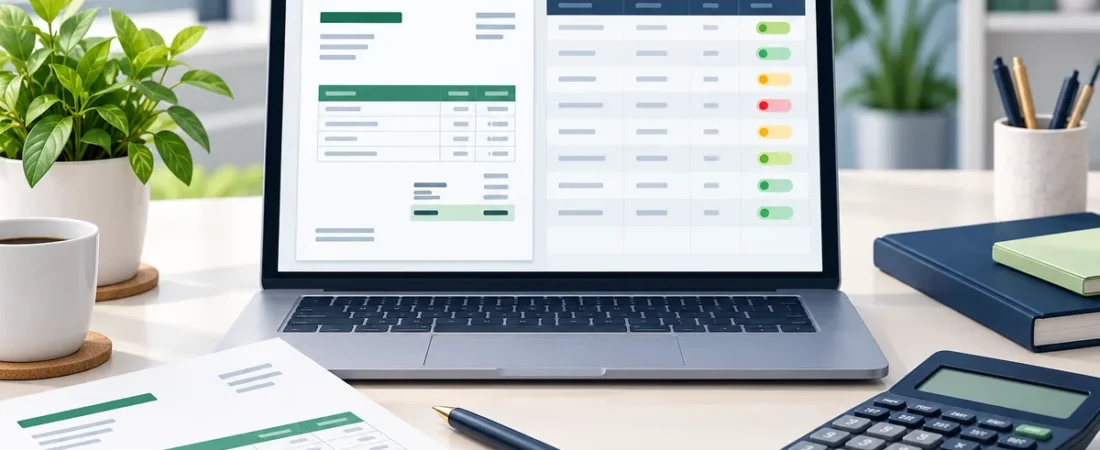
An invoice should be clear to the customer and easy for you to reconcile later. Excel can help standardize the layout and maintain a separate record of issued invoices. Confirm local invoicing and tax rules with an appropriate professional. This guide covers how to create invoices in Excel and track payments until every invoice is paid.
1. Prepare reusable business and client details
Collect your business name and contact details, client information, invoice number, issue date, due date, description, quantity, rate and payment instructions. Use a unique invoice number and a consistent numbering sequence.
2. Calculate line totals carefully
For each line, calculate quantity multiplied by unit price. Sum the lines, apply any clearly stated discount and calculate tax according to the rules that apply to your sale. Check rounding and display the currency. Do not assume one tax treatment fits every transaction.
Example calculation
Two consulting hours at ₹1,500 each produce a pre-tax line total of ₹3,000. Add any applicable tax only after confirming the correct rate and treatment.
3. Save a copy and record it in an invoice log
Save or export the final invoice as PDF using a filename with the invoice number and client. In a separate log, record invoice number, client, issue date, due date, amount and status. Update the status when payment is received and keep a reference to the payment record.
4. Review overdue balances
Compare due dates with today and follow up according to your normal payment terms. An ageing column can group unpaid invoices by how long they have been outstanding. Keep the status values consistent so summaries remain accurate.
FAQs
What information belongs on an invoice?
Include the details required by the applicable rules and enough information for the customer to identify the goods or services, amount due and payment instructions.
Should I send an Excel file or PDF?
PDF helps preserve the invoice layout for the recipient. Keep the working spreadsheet and a copy of the issued version in your own records.
How do I track unpaid invoices?
Maintain an invoice log with due date, amount and payment status, then review unpaid items on a regular schedule.
Get the template
If you want a prepared invoice layout and log, view the ReadySheets Invoice Generator and confirm that its listed workflow suits your needs.
It works well alongside the Customer CRM.
Related guides: How to Track Customer Leads in Excel · How to Track Business Income and Expenses in Excel