
A receipt confirms that a customer has paid and gives both sides a record. This guide shows how to make a payment receipt in Excel that fills itself from your invoice log, so issuing one takes seconds.
1. Keep an invoice log
Record each invoice with number, client, date, due date, amount, paid date and payment mode. This log is the single source the receipt reads from.
2. Design the receipt
Include receipt number, date, your business details, the client’s name, invoice number, amount received, payment mode and a reference such as a UPI or cheque number.
What a receipt shows
| Field | Example |
|---|---|
| Receipt No | RCPT-0031 |
| Invoice No | INV-1043 |
| Received from | Urban Nest Interiors |
| Amount | ₹51,920 |
| Mode | UPI, ref 4419 |
3. Fill details with a lookup
Enter the invoice number on the receipt and use INDEX/MATCH to bring in the client, amount and payment mode from the log. Add a check that shows a warning if the invoice is not marked Paid.
4. Number, save and file
Use a running receipt number, save each receipt as a PDF with the receipt number in the filename and note the receipt number back in the invoice log.
Avoid receipt errors
Never issue before payment clears
For cheques, wait until the money is in the bank before marking the invoice paid.
Handle part payments clearly
State the amount received and the balance still due on the receipt.
FAQs
Is a receipt the same as an invoice?
No. An invoice asks for payment; a receipt confirms payment was received.
Do I need a receipt for UPI payments?
Many customers still want one for their records. It also helps you match payments to invoices.
Should receipts be numbered?
Yes. A continuous sequence makes records easy to audit.
Get the template
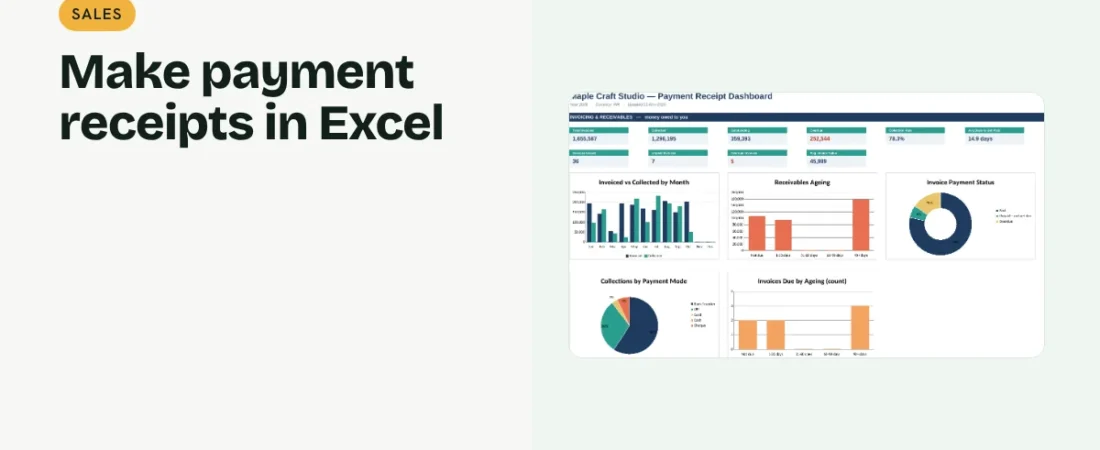
The ReadySheets Payment Receipt fills client, amount and mode from the invoice log, prints cleanly and shows collections on a dashboard.
Related guides: How to Create and Track Invoices in Excel · How to Track Accounts Receivable in Excel