
Excel guides for small business
Step-by-step guides for running your business numbers in Excel and Google Sheets: finance, sales, stock, customers, team and planning.
-
How to Make a Profit and Loss Statement in Excel

Build a monthly profit and loss statement in Excel from your income and expense log: revenue, gross profit, expenses, net profit and margins.
-
How to Track Customer Leads in Excel

Set up a simple Excel lead tracker with contact details, deal stages, next follow-up dates and a weekly review routine.
-
How to Create a Small Business Dashboard in Excel
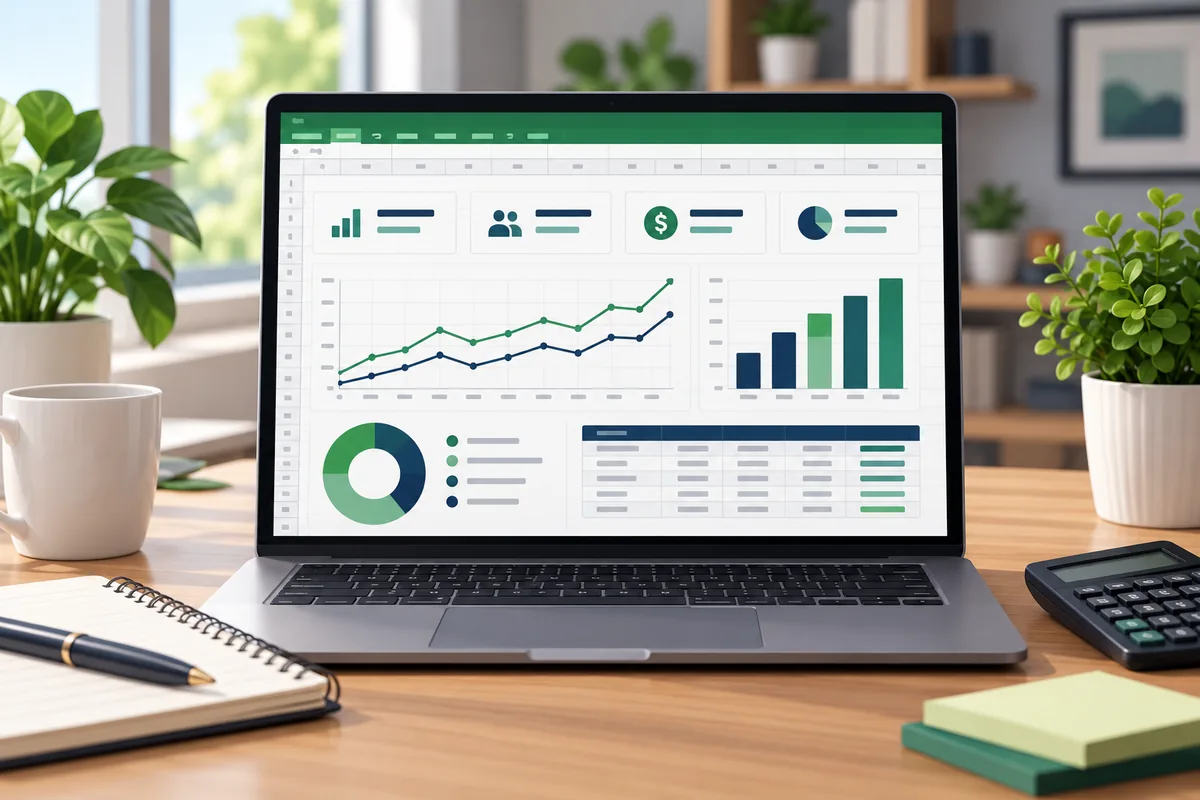
Learn how to organize sales and expense data, calculate monthly profit and turn key business numbers into a clear Excel dashboard.
-
How to Track Inventory in Excel for a Small Business
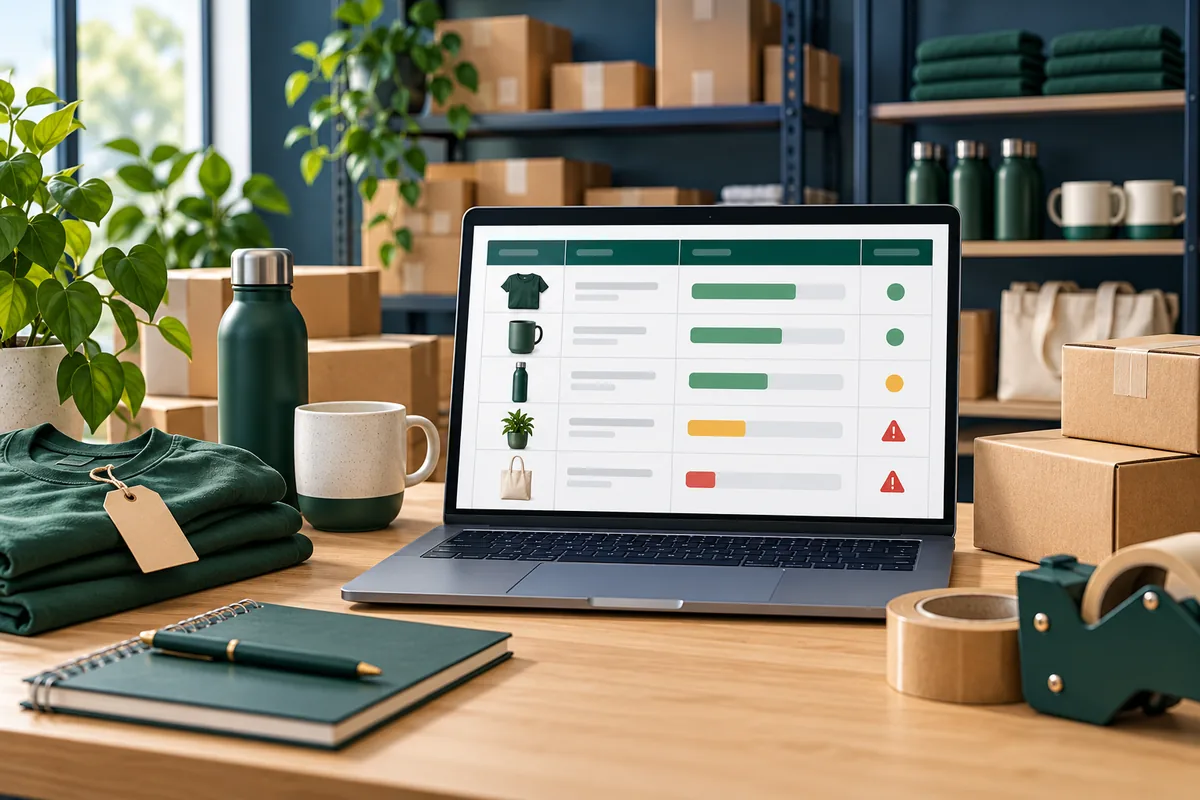
Build a basic Excel inventory list, calculate current stock and set reorder points to spot products that need attention.
-
How to Track Business Income and Expenses in Excel
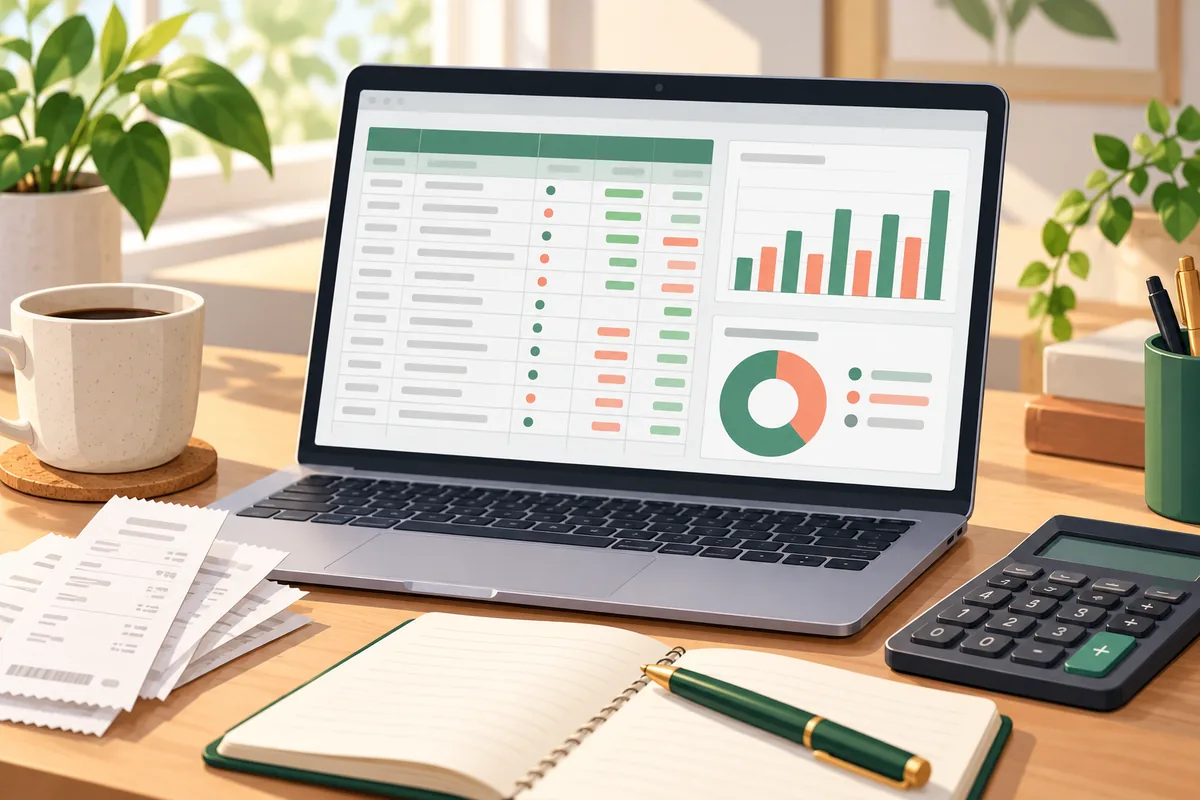
Learn a simple method for logging business transactions, categorizing spending and reviewing monthly income, expenses and profit in Excel.
-
How to Create and Track Invoices in Excel
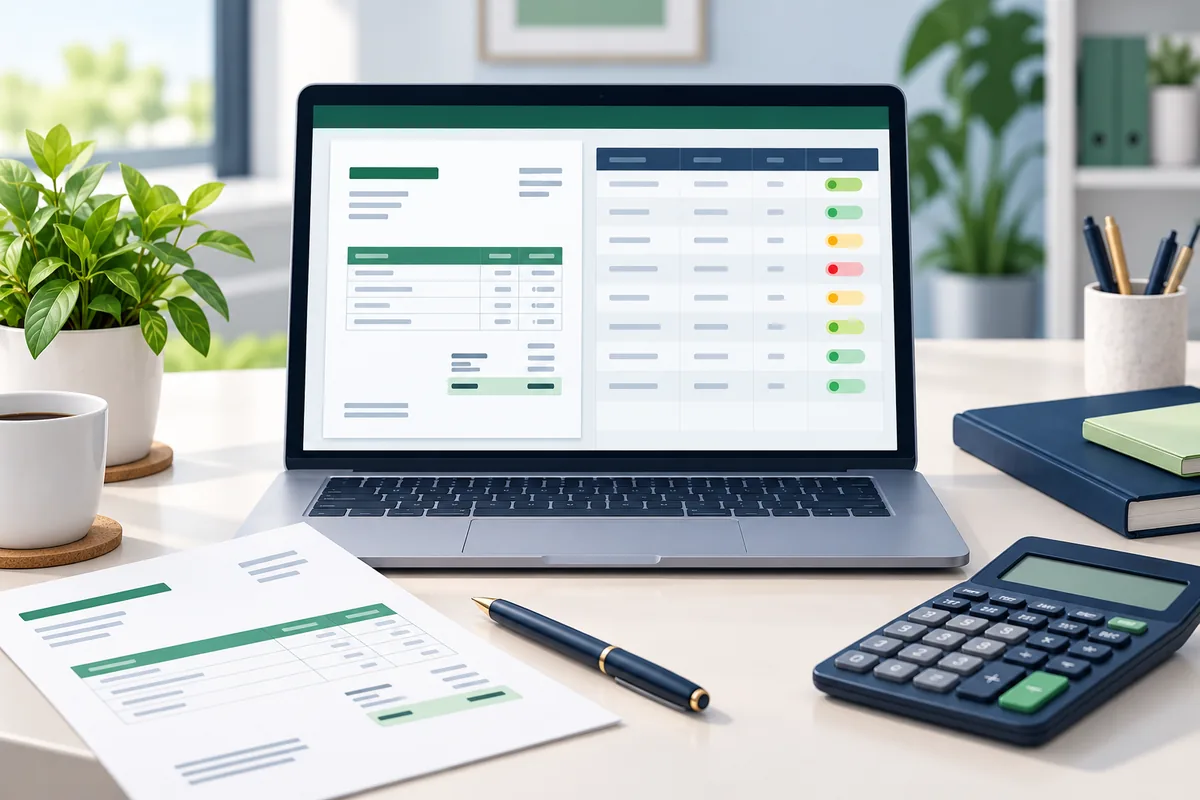
Learn how to prepare a consistent invoice in Excel, calculate line totals and maintain a simple log of due dates and payment status.
-
How to Build a Spreadsheet System for a Small Business

Map a small business spreadsheet system across finance, sales, invoicing, inventory and operations, with clear source records and review routines.
-
How to Organize Small Business Spreadsheets
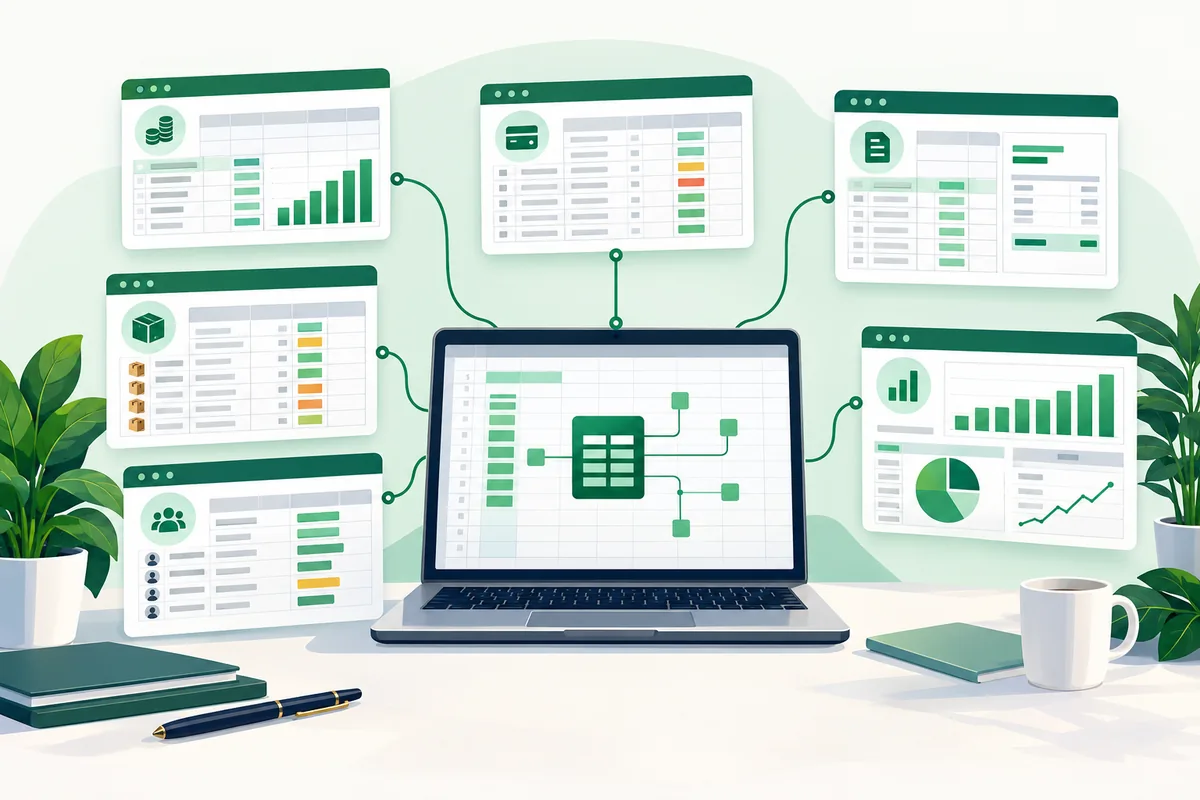
Learn how to organize budget, transaction, invoice, inventory, customer and dashboard spreadsheets into a consistent small business workflow.
-
How to Create a Monthly Business Budget in Excel

Create a practical Excel budget by category, record actual transactions and compare spending with your plan throughout the month.