
Excel guides for small business
Step-by-step guides for running your business numbers in Excel and Google Sheets: finance, sales, stock, customers, team and planning.
-
How to Track Accounts Payable in Excel
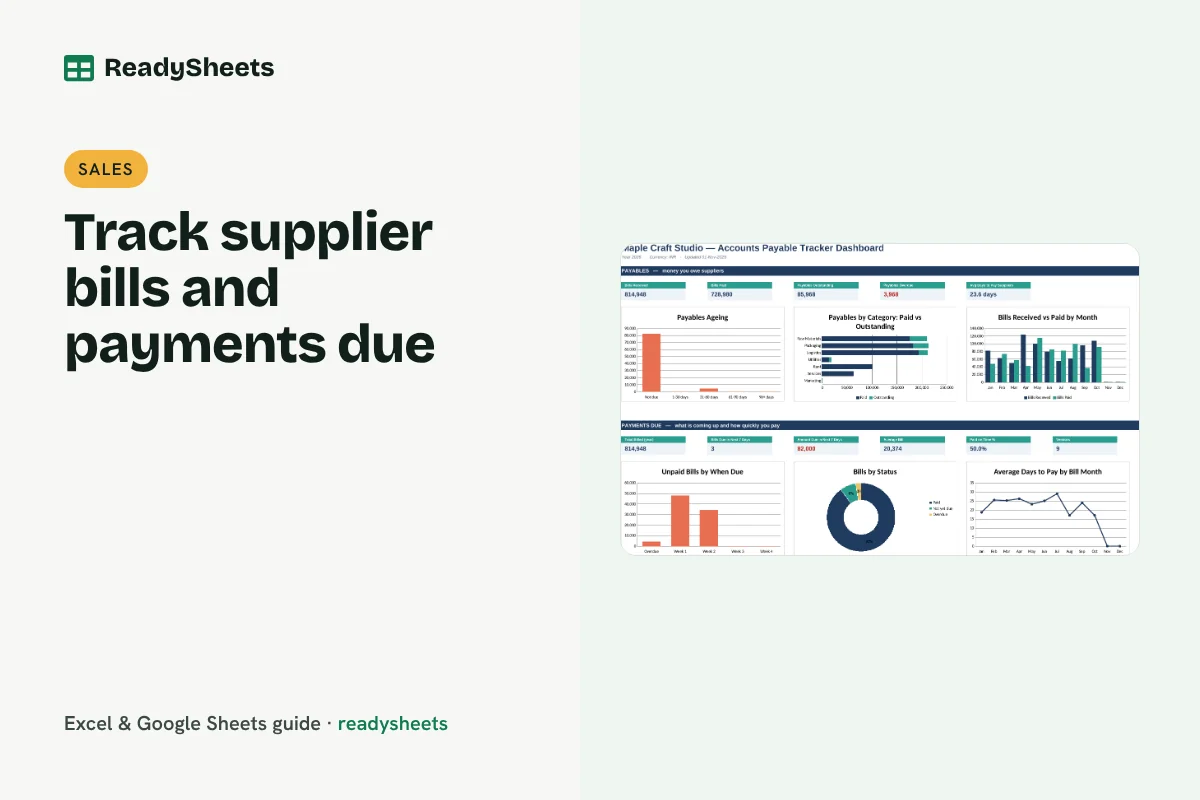
Track accounts payable in Excel: supplier bills, due dates, overdue amounts, what is due this week and how quickly you pay your vendors.
-
How to Track Accounts Receivable in Excel

Track accounts receivable in Excel: outstanding balance per client, ageing buckets, overdue amounts and a simple risk rating to decide who to chase.
-
How to Make a Payment Receipt in Excel

Make a payment receipt in Excel that pulls client, amount and payment mode from your invoice log, and keep a clear record of what is paid.
-
How to Make a Quotation in Excel

Make a professional quotation in Excel with line items, tax and validity, then track each quote from sent to accepted or expired.
-
How to Track Sales in Excel
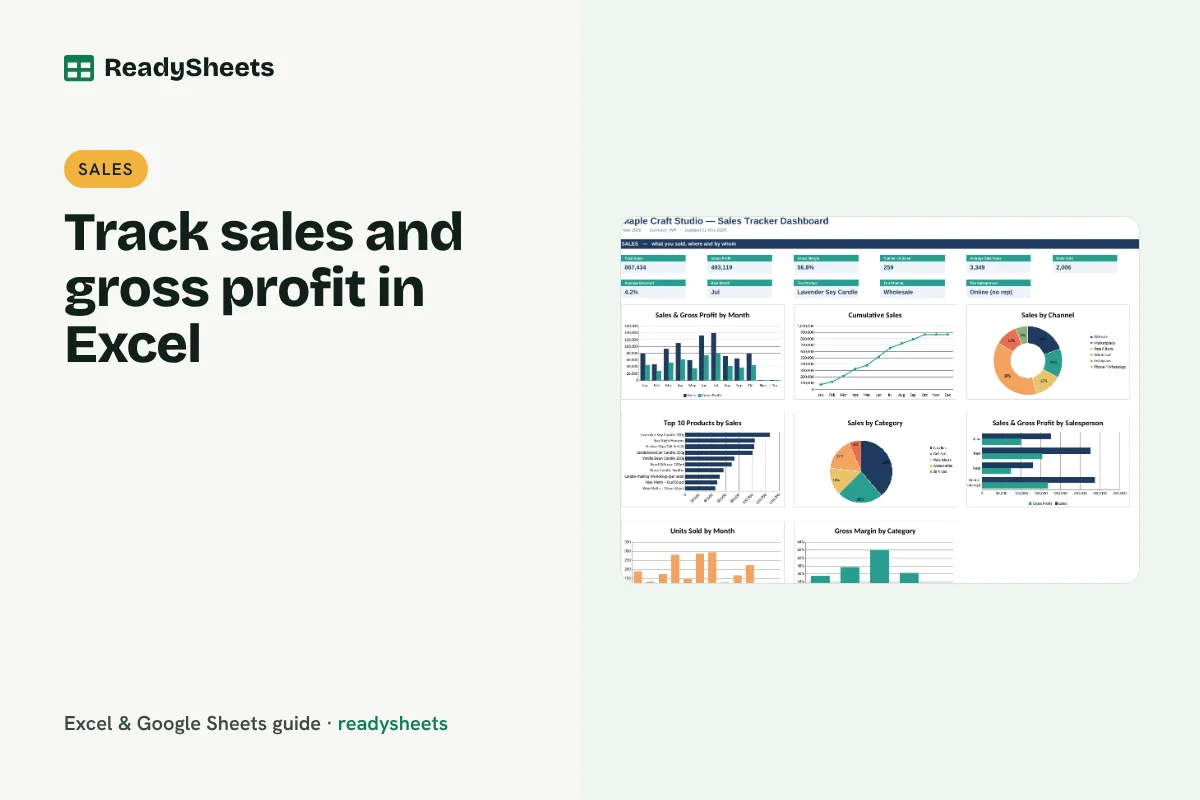
Track sales in Excel with one row per sale, then see sales and gross profit by month, product, client, channel and salesperson.
-
How to Calculate Break-even Point in Excel
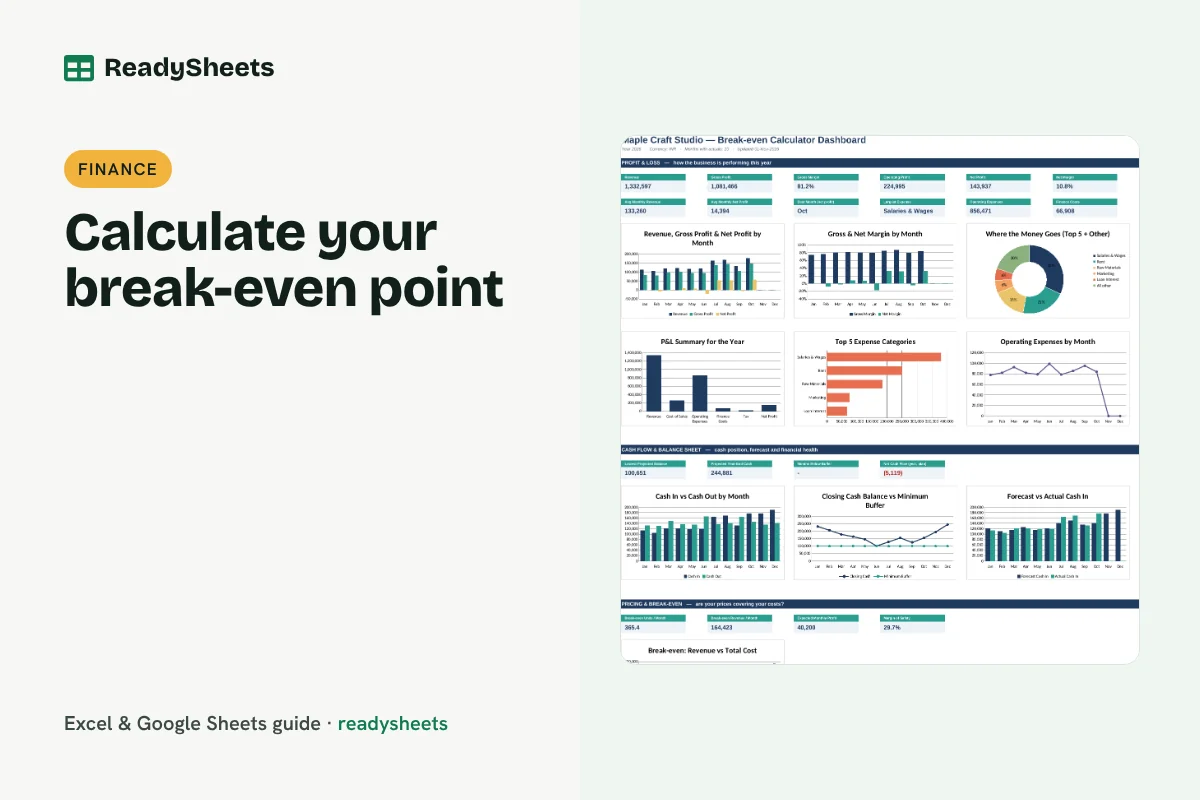
Calculate your break-even point in Excel: fixed costs, contribution per unit, break-even units and revenue, target profit and margin of safety.
-
How to Price a Product for Profit (with an Excel Pricing Calculator)
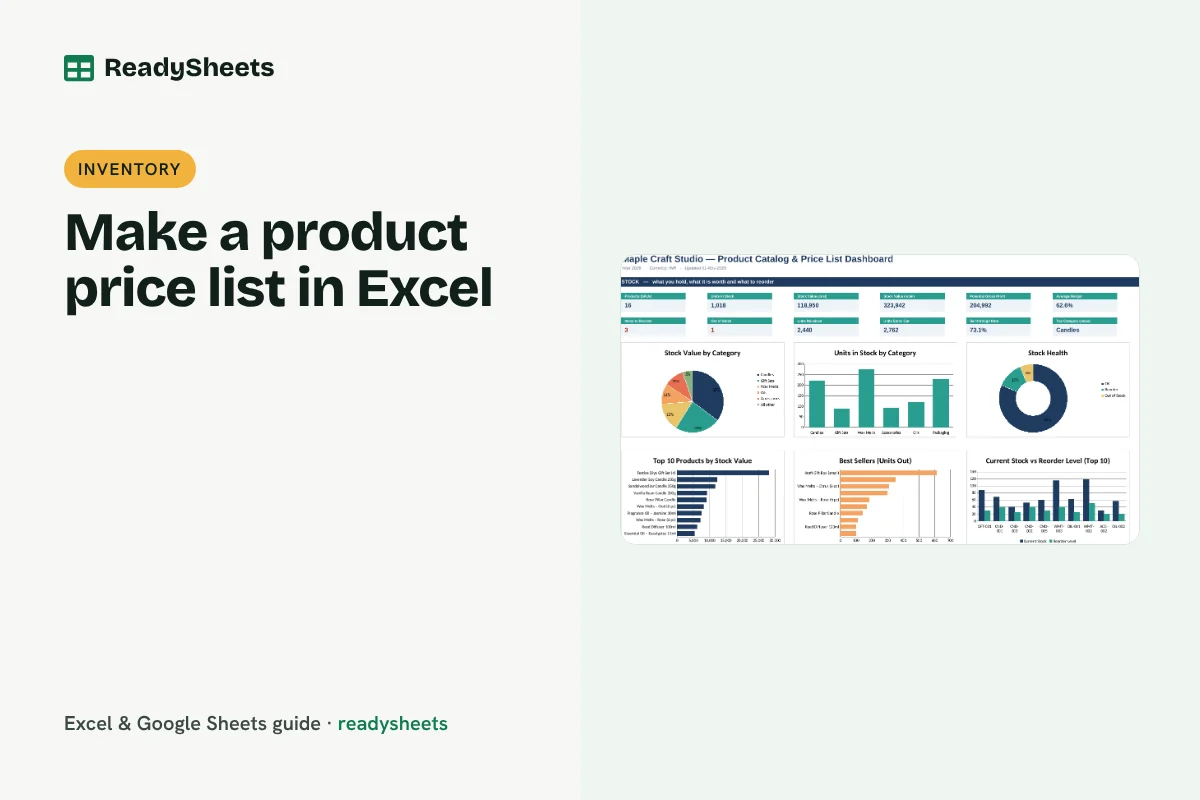
Learn how to price a product for profit: add up unit costs, choose a margin, allow for platform fees and tax, and avoid the margin vs markup mistake.
-
How to Maintain a Petty Cash Book in Excel
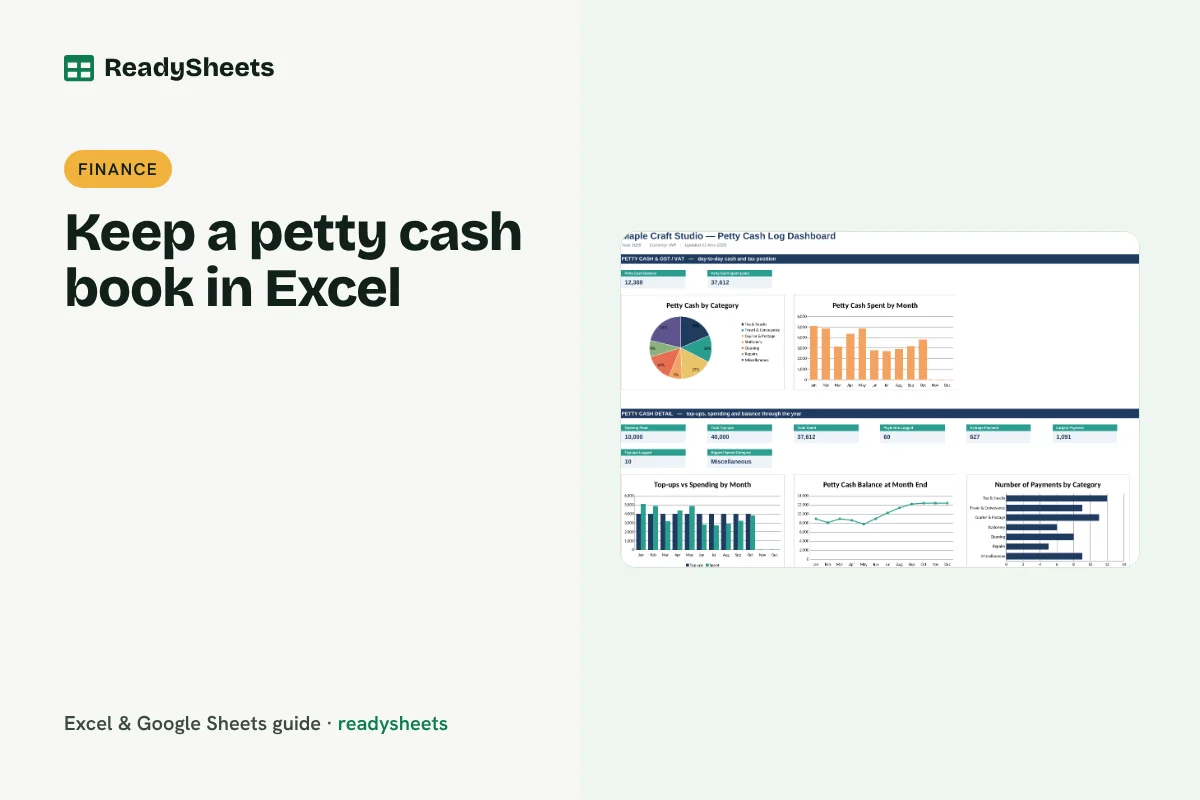
Keep a petty cash book in Excel with vouchers, top-ups, payments, a running balance and monthly category totals for small office spends.
-
How to Track GST in Excel for a Small Business
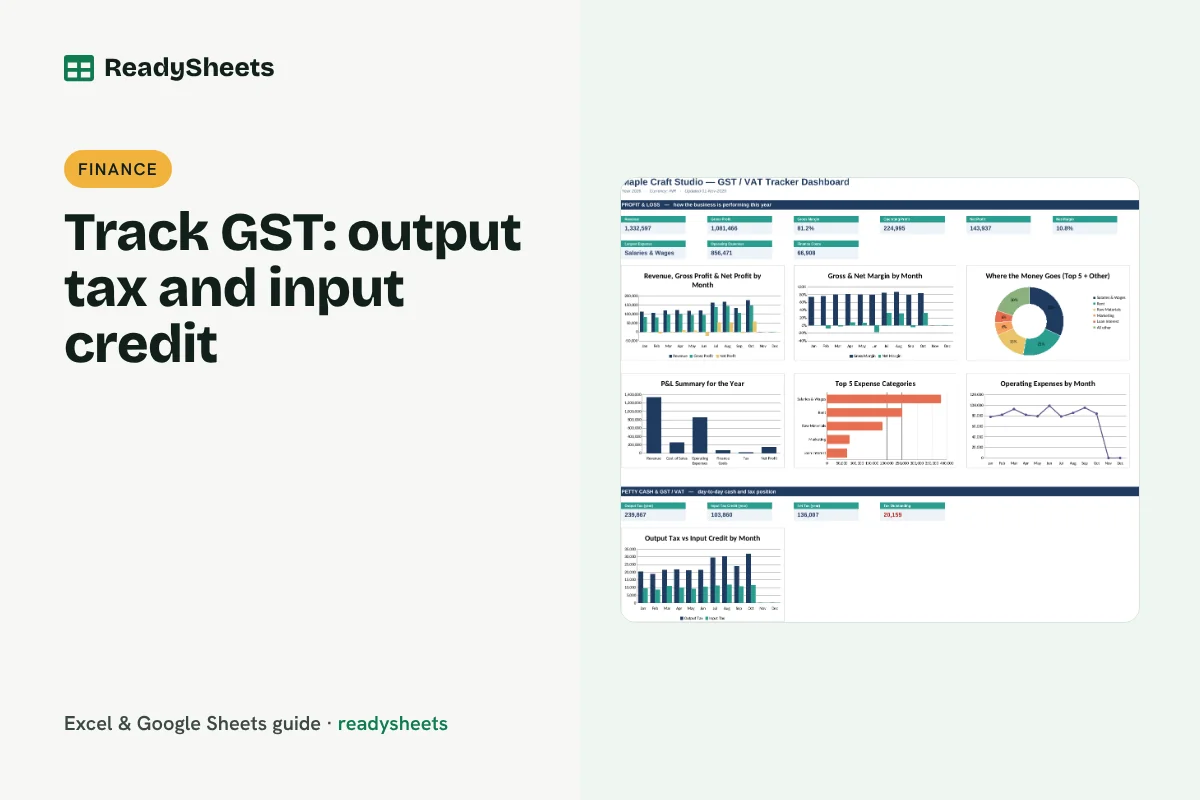
Track GST in Excel month by month: output tax on sales, input tax credit on purchases, net payable, payments and due dates for small businesses.
-
How to Calculate Loan EMI in Excel
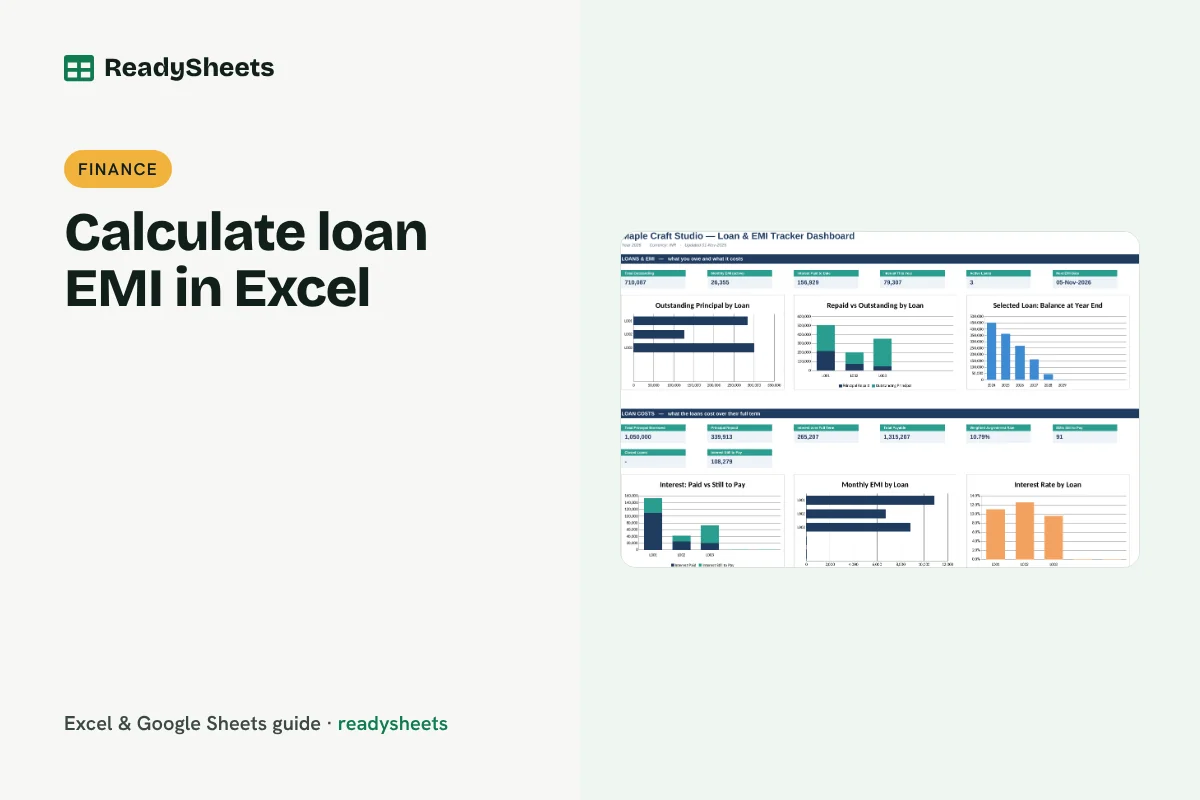
Calculate loan EMI in Excel with the PMT function, split each EMI into interest and principal, and track outstanding balance for business loans.