
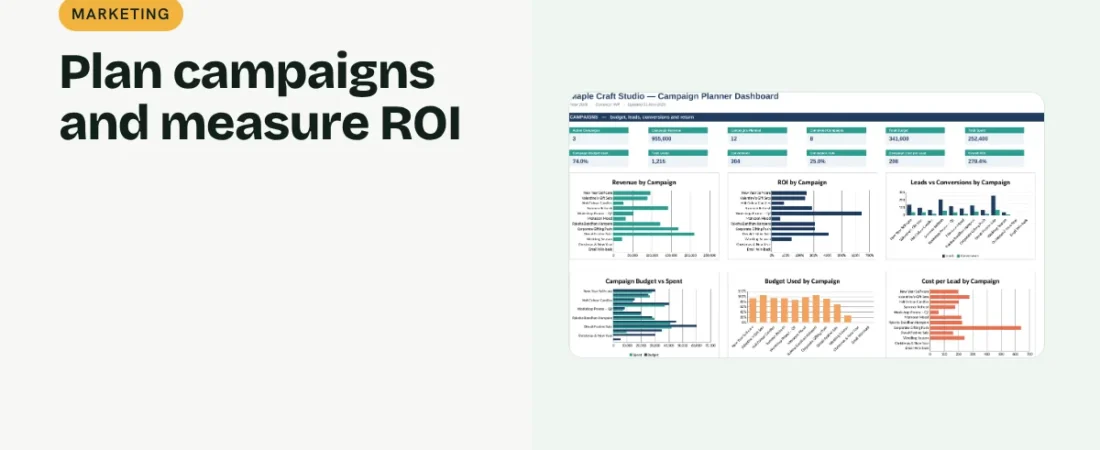
A campaign with a clear goal, budget and end date is easier to run and easier to judge. This guide shows how to plan a marketing campaign in Excel and measure whether it paid off.
1. Define the objective and channel
Write the campaign name, objective (sales, leads or awareness), channel and audience. One clear objective makes success easy to measure.
2. Set dates and budget
Add start and end dates and a budget. A status formula can show Planned, Active or Completed based on today’s date, with days left for active campaigns.
Example campaign
| Item | Value |
|---|---|
| Budget | ₹30,000 |
| Spent | ₹27,500 |
| Leads | 140 |
| Conversions | 38 |
| Revenue | ₹96,000 |
| ROI | 249% |
Conversion rate is about 27% and cost per lead about ₹196.
3. Record spend and results
Track spend, leads, conversions and revenue as the campaign runs. Update at least weekly for active campaigns.
4. Measure performance
Budget used = spend ÷ budget. Cost per lead = spend ÷ leads. Conversion rate = conversions ÷ leads. ROI = (revenue − spend) ÷ spend. Compare campaigns side by side to repeat the winners.
Plan smarter campaigns
Set a target before launch
Decide the cost per lead or ROI you need, then judge the campaign against it.
Avoid overlapping offers
A calendar view of start and end dates shows clashes before they confuse customers.
Write a short wrap-up
Note what worked and what did not when each campaign ends.
FAQs
What is a marketing campaign?
A planned set of activities with one goal, budget and time frame, such as a festive sale.
How long should a campaign run?
Long enough to gather meaningful results, often two to six weeks for small businesses.
How is this different from a content calendar?
The content calendar plans individual posts; the campaign planner tracks the overall goal, budget and results.
Get the template
The ReadySheets Campaign Planner tracks dates, budgets, leads, conversions and ROI, and compares campaigns on a dashboard.
Related guides: How to Calculate Marketing ROI in Excel · How to Create a Social Media Content Calendar in Excel