
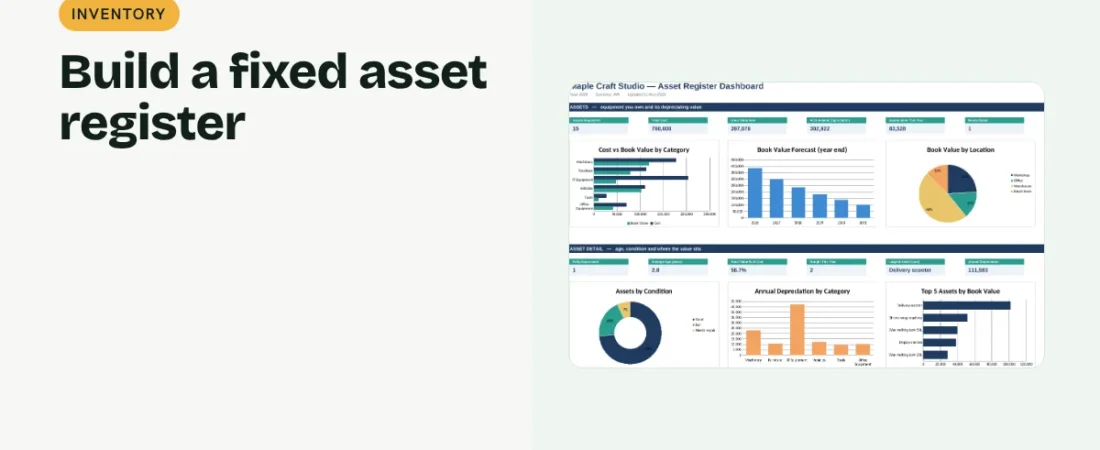
Equipment, computers and vehicles lose value over time, and you need to know what you own and what it is worth. This guide shows how to create a fixed asset register in Excel with straight-line depreciation and book values.
1. List each asset
Record Asset ID, description, category, location, purchase date and cost. Tag physical items with the ID so the register and the real asset can be matched.
2. Set useful life and salvage value
Useful life is how many years you expect to use the asset. Salvage value is what it may be worth at the end. Both are estimates; your accountant may use specific rates for tax purposes.
Example
| Item | Value |
|---|---|
| Wax melting tank, cost | ₹85,000 |
| Salvage value | ₹5,000 |
| Useful life | 8 years |
| Annual depreciation | ₹10,000 |
| Book value after 3 years | ₹55,000 |
3. Calculate depreciation and book value
Straight-line annual depreciation = (cost − salvage value) ÷ useful life. Accumulated depreciation grows each year up to cost minus salvage. Book value = cost − accumulated depreciation.
4. Track condition and plan replacements
Add condition and status columns. A year-by-year book value forecast shows when assets will be fully depreciated and likely due for replacement.
Register tips
Verify assets yearly
Walk around and check that every asset on the register still exists and is in use.
Record disposals
When you sell or scrap an asset, mark it and the date rather than deleting the row.
Keep invoices
Note the invoice reference for each purchase for warranty and tax records.
FAQs
What is a fixed asset?
Something the business buys to use over more than a year, such as machinery, furniture or computers.
Is straight-line depreciation the only method?
No. Written-down value is also common, and tax rules may require specific rates. Ask your accountant which to use.
Why does book value matter?
It feeds your balance sheet and helps plan replacements and insurance.
Get the template
The ReadySheets Asset Register calculates depreciation, book value and a 6-year forecast, tracks condition and shows value by category and location on a dashboard.
Related guides: How to Prepare a Balance Sheet in Excel for a Small Business · How to Calculate Startup Costs for a New Business