
When orders come from a website, marketplaces and WhatsApp, it is easy for one to slip. This guide shows how to track customer orders in Excel so every order has a status, a courier and a delivery date you can check at a glance.
1. Log each order as it arrives
Record Order No, Order Date, Customer, Channel, Items, Order Value and Status. Use a dropdown for status: Received, Packed, Shipped, Delivered, Cancelled.
2. Add shipping details
When the order ships, add ship date, courier and tracking number. When it arrives, add the delivery date. These dates make performance measurable.
Example
| Order | Channel | Ordered | Shipped | Delivered | Days | On time (target 5) |
|---|---|---|---|---|---|---|
| ORD-2101 | Website | 3 Mar | 4 Mar | 7 Mar | 4 | Yes |
| ORD-2102 | Marketplace | 3 Mar | 6 Mar | 10 Mar | 7 | No |
3. Calculate delivery times
Days to ship = ship date − order date. Days to deliver = delivery date − order date. Compare with your target to mark each order On time or Late.
4. Review by channel and courier
Use COUNTIFS and AVERAGEIFS to see order count, value and average delivery time per channel and courier. Filter pending orders older than a day or two to clear the backlog.
Keep orders moving
Review pending orders daily
A short daily filter on Received and Packed orders catches delays early.
Compare couriers on data
Average delivery days and late rates per courier make switching decisions easier.
Record cancellations and returns
Keeping them as statuses, not deleting rows, preserves an honest picture.
FAQs
What should an order tracker include?
Order details, status, courier, tracking number and key dates.
How do I set a delivery target?
Use your typical delivery time by region or courier, then tighten it as you improve.
Can I track marketplace orders here?
Yes. Add the channel and marketplace order ID so you can match them.
Get the template
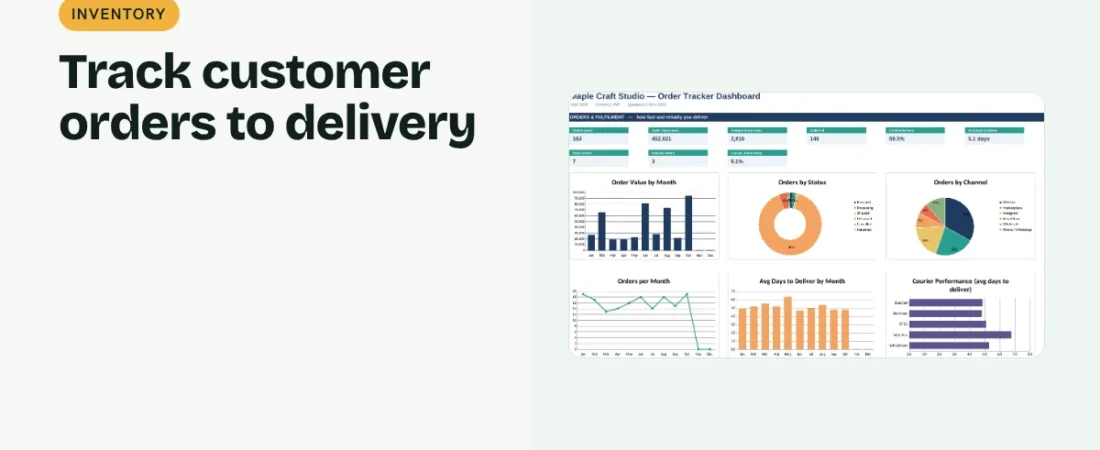
The ReadySheets Order Tracker logs orders with status, courier and dates, flags late and pending orders and shows performance by channel and courier on a dashboard.
Related guides: How to Track Inventory in Excel for a Small Business · How to Track Sales in Excel