
Description
Stop juggling scattered spreadsheets
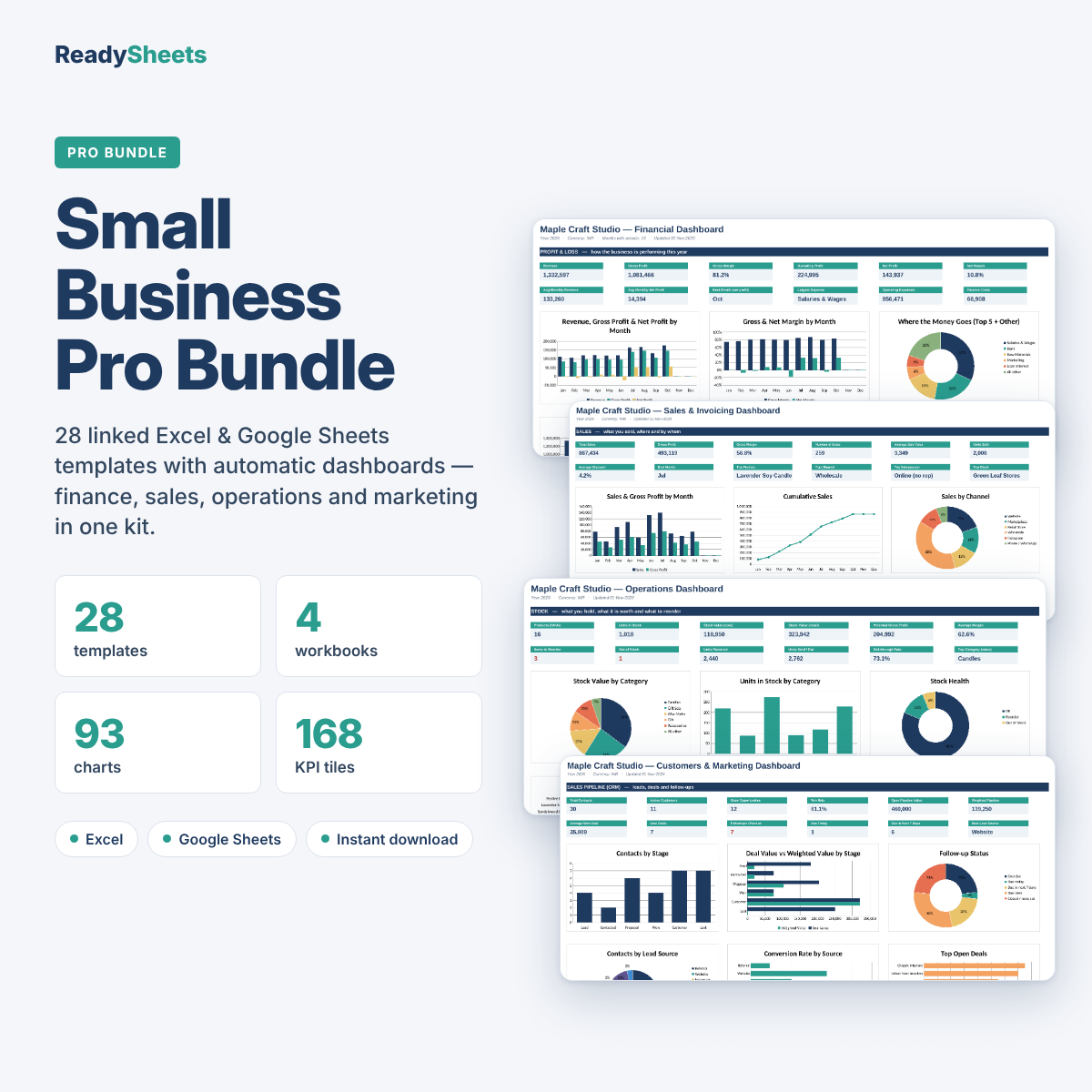
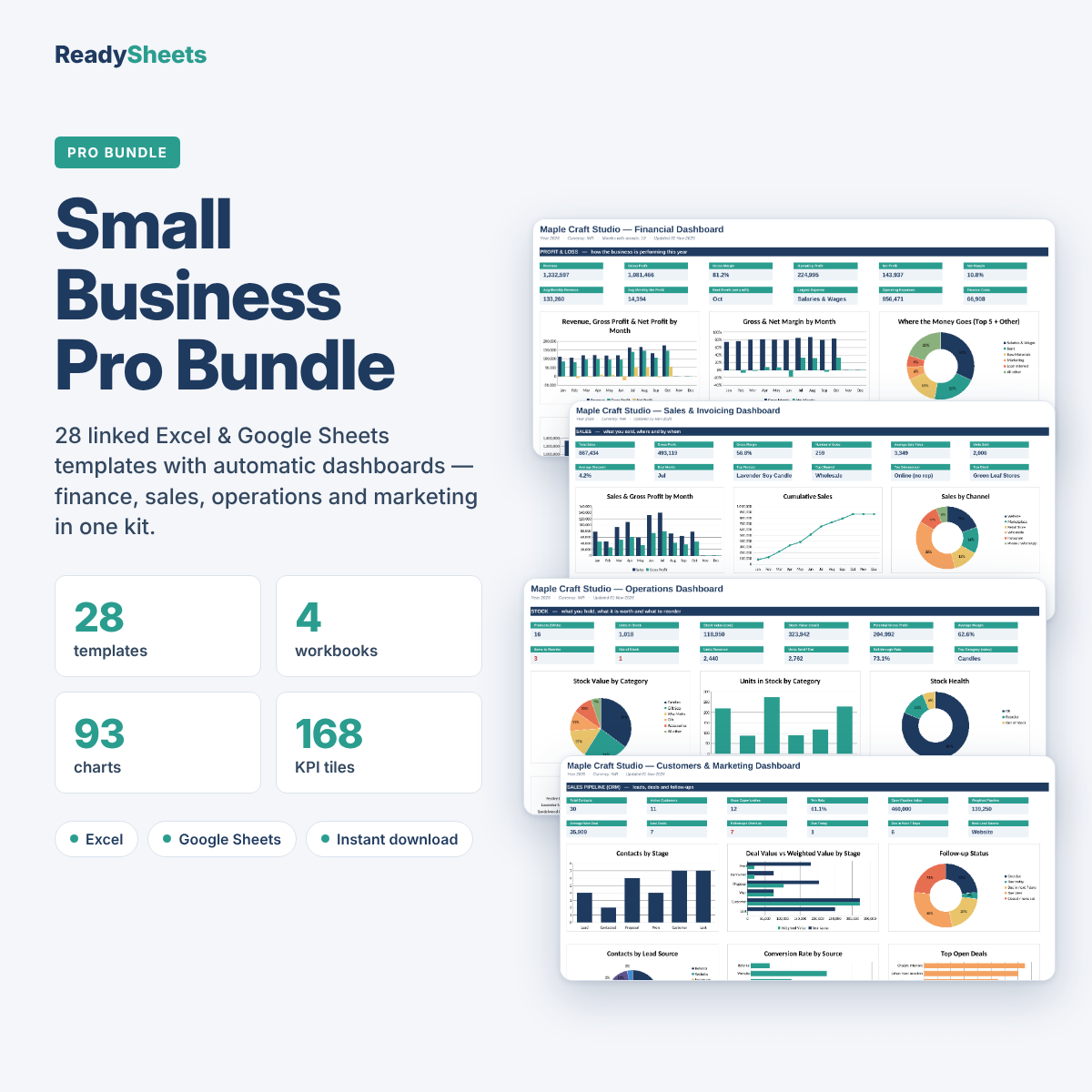
Most small businesses track money in one file, invoices in another and customers in a notebook. The Small Business Pro Bundle brings it all together in four connected workbooks. Enter each sale, expense, invoice or order once: the totals, reports and dashboards update on their own.
Four workbooks, one complete system
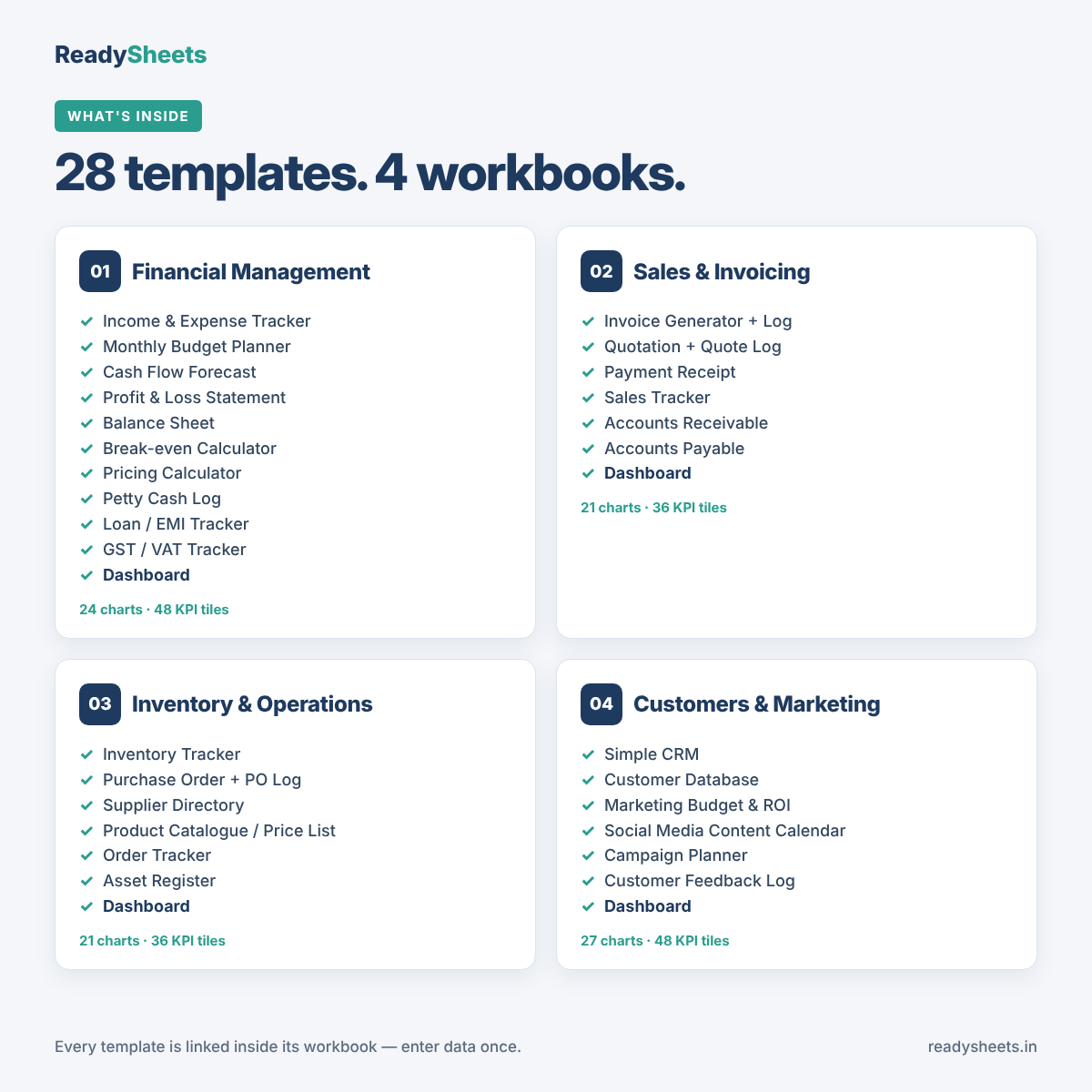
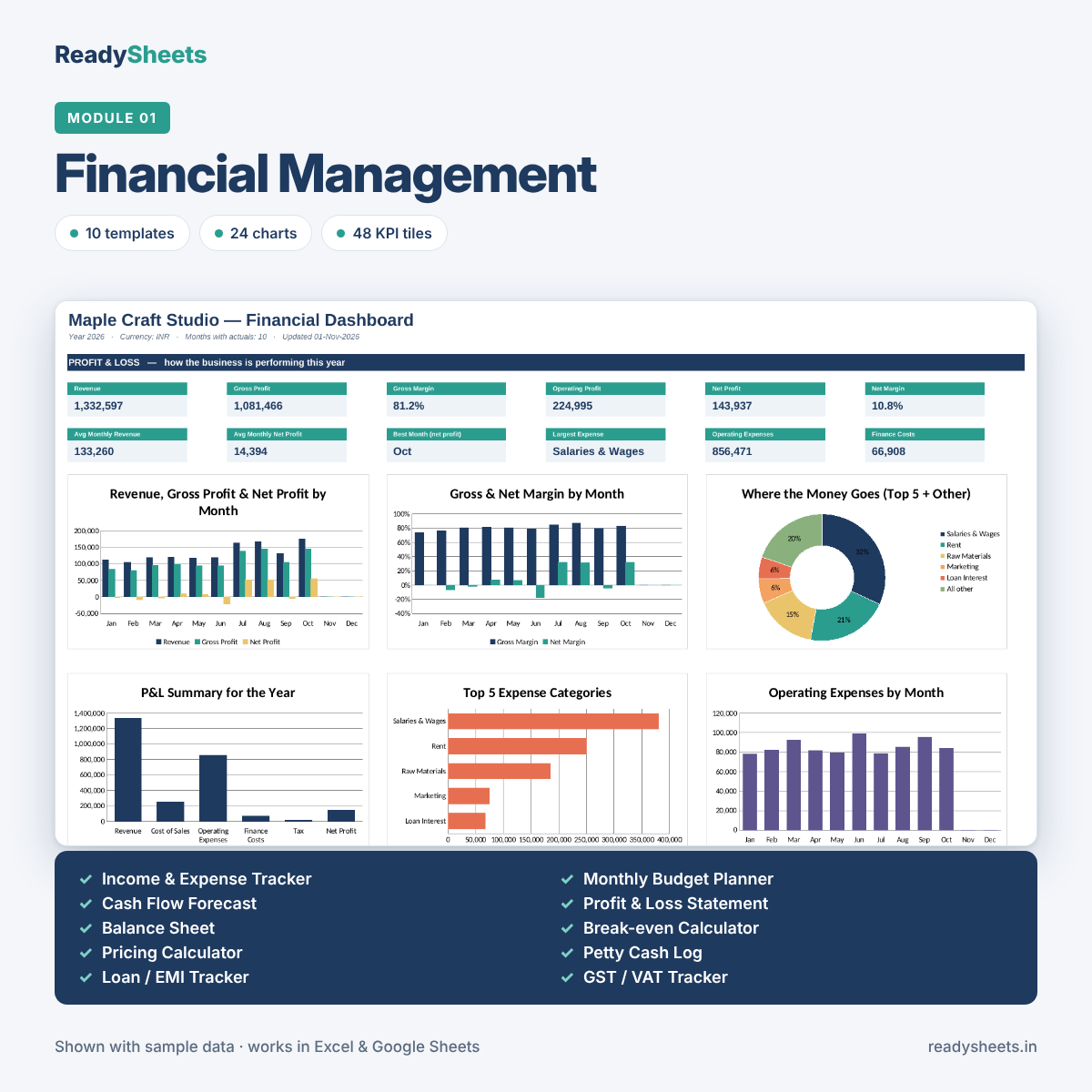
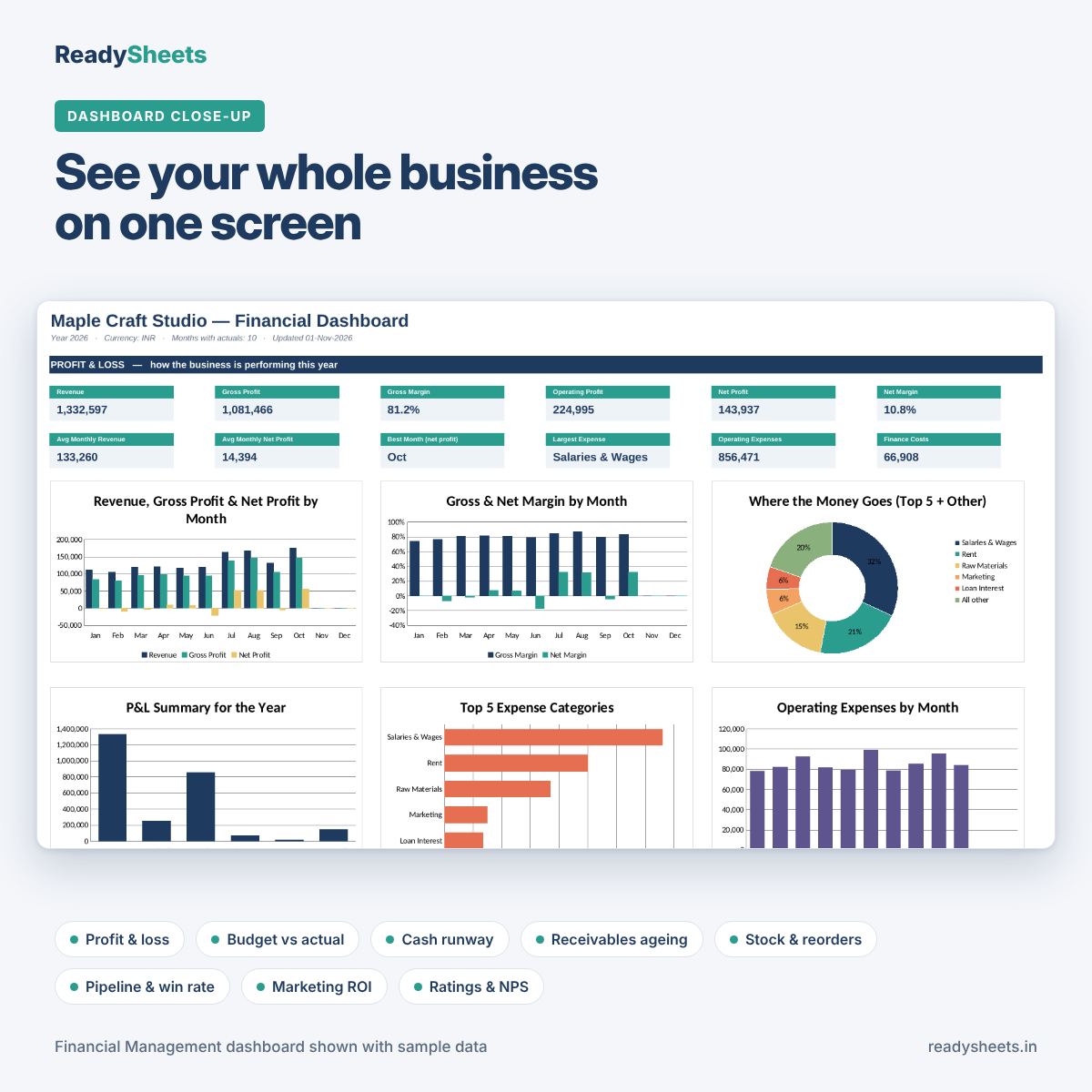
1. Financial Management (10 templates): Income & Expense Tracker, Monthly Budget Planner, Cash Flow Forecast, Profit & Loss Statement, Balance Sheet, Break-even Calculator, Pricing Calculator, Petty Cash Log, Loan / EMI Tracker and GST / VAT Tracker. Your P&L, budget and cash flow all build from one transaction log.
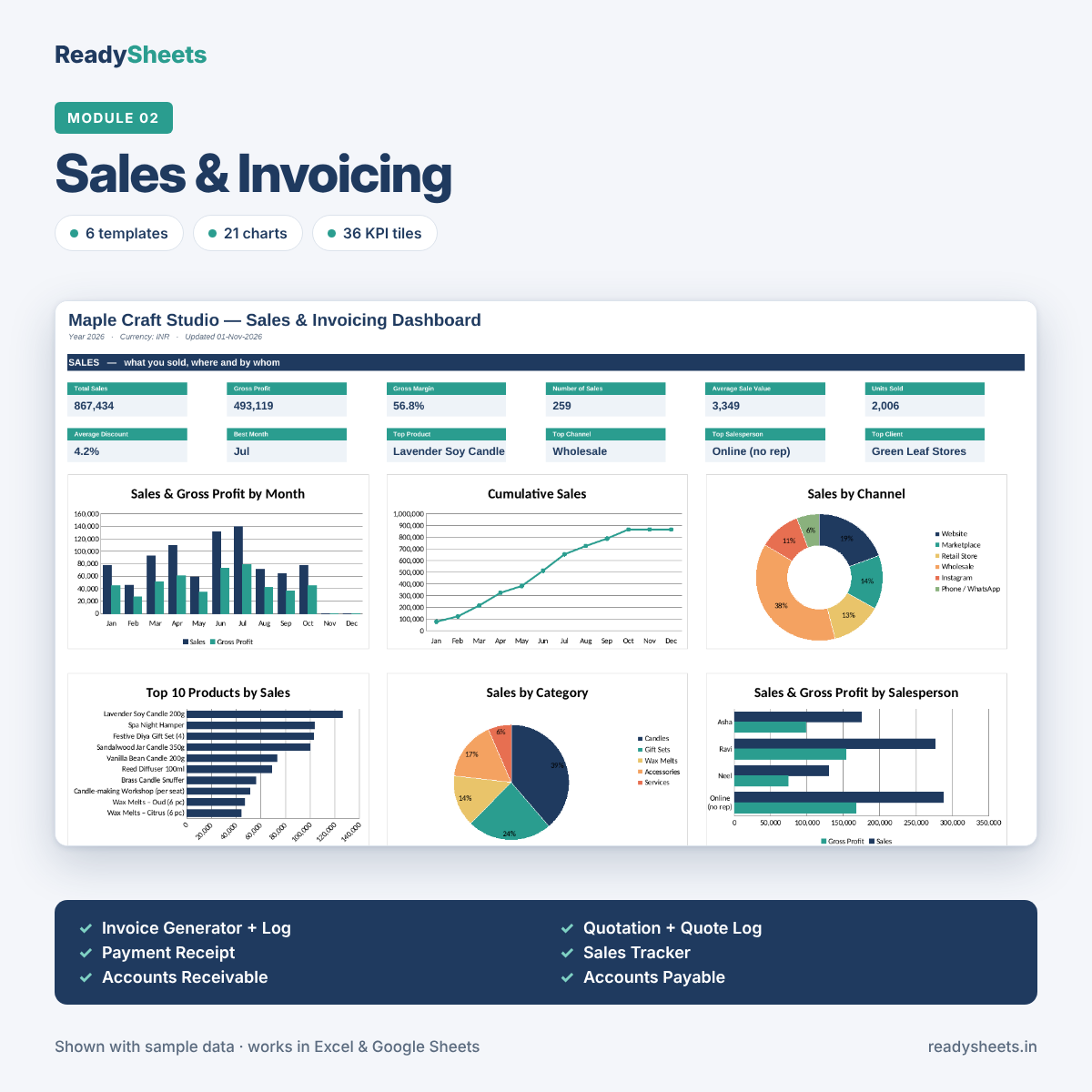
2. Sales & Invoicing (6 templates): Invoice Generator, Quotation, Payment Receipt, Sales Tracker, Accounts Receivable and Accounts Payable. Pick a client and product from a dropdown and prices, tax and totals fill in. See who owes you, how overdue they are, and what you owe suppliers.
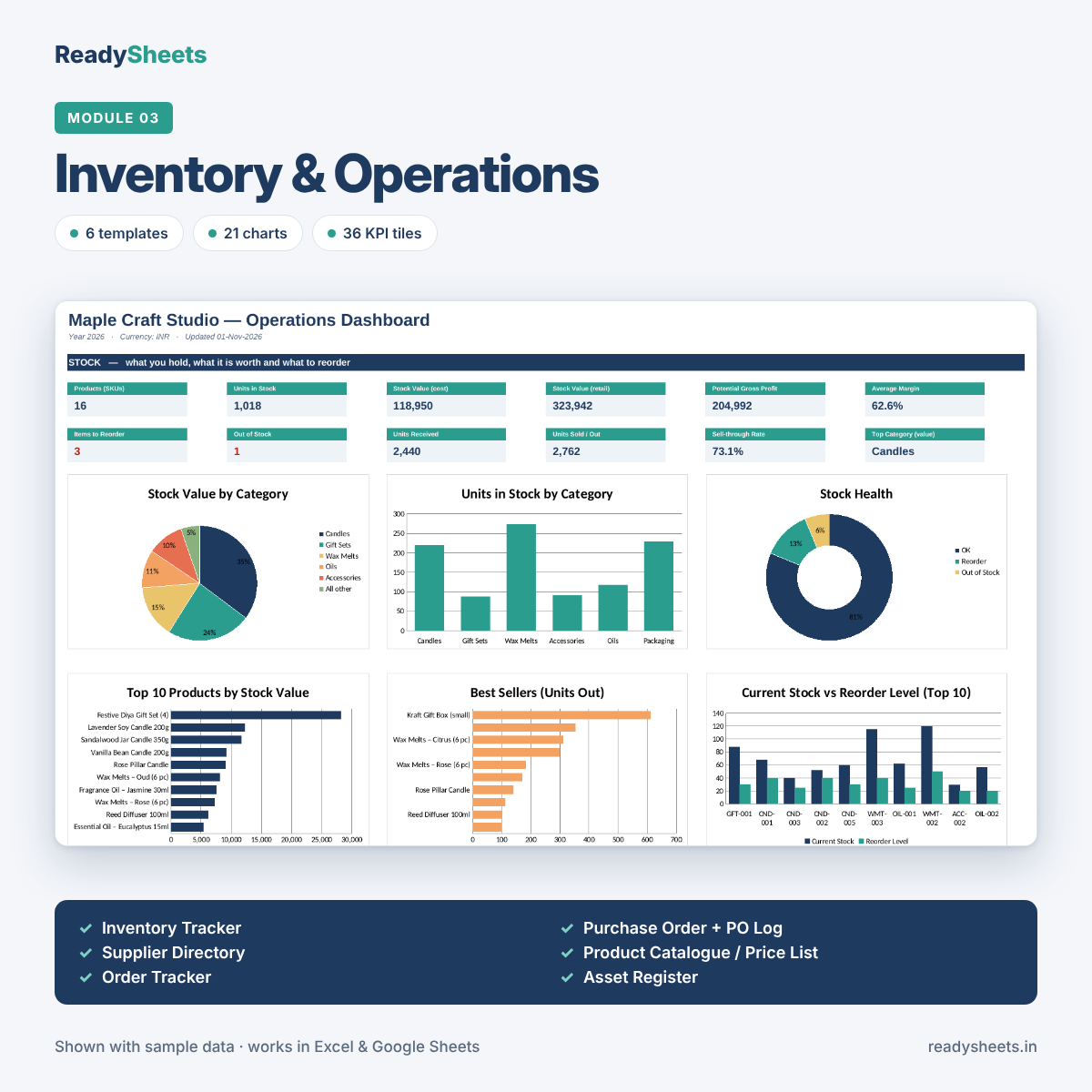
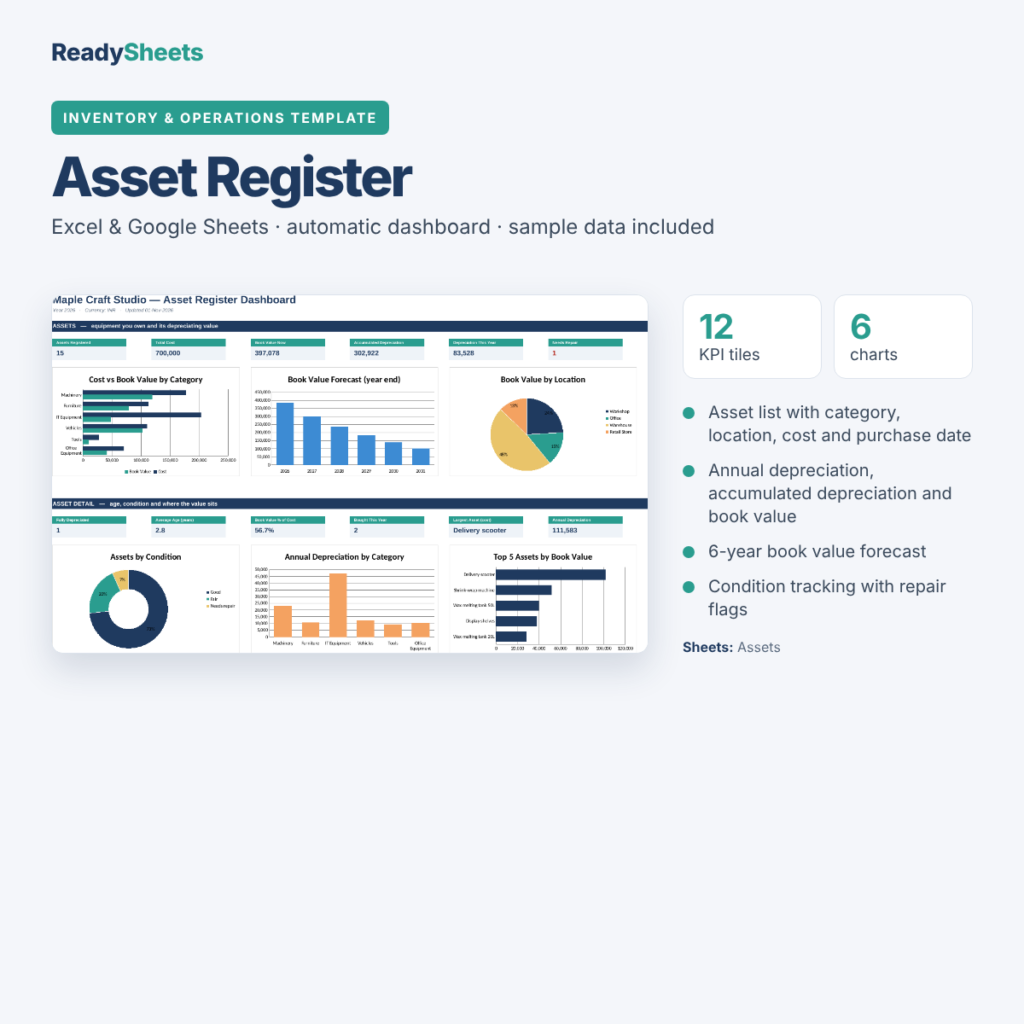
3. Inventory & Operations (6 templates): Inventory Tracker, Purchase Order, Supplier Directory, Product Catalogue / Price List, Order Tracker and Asset Register. Get reorder alerts, supplier on-time rates, delivery times and depreciation worked out for you.
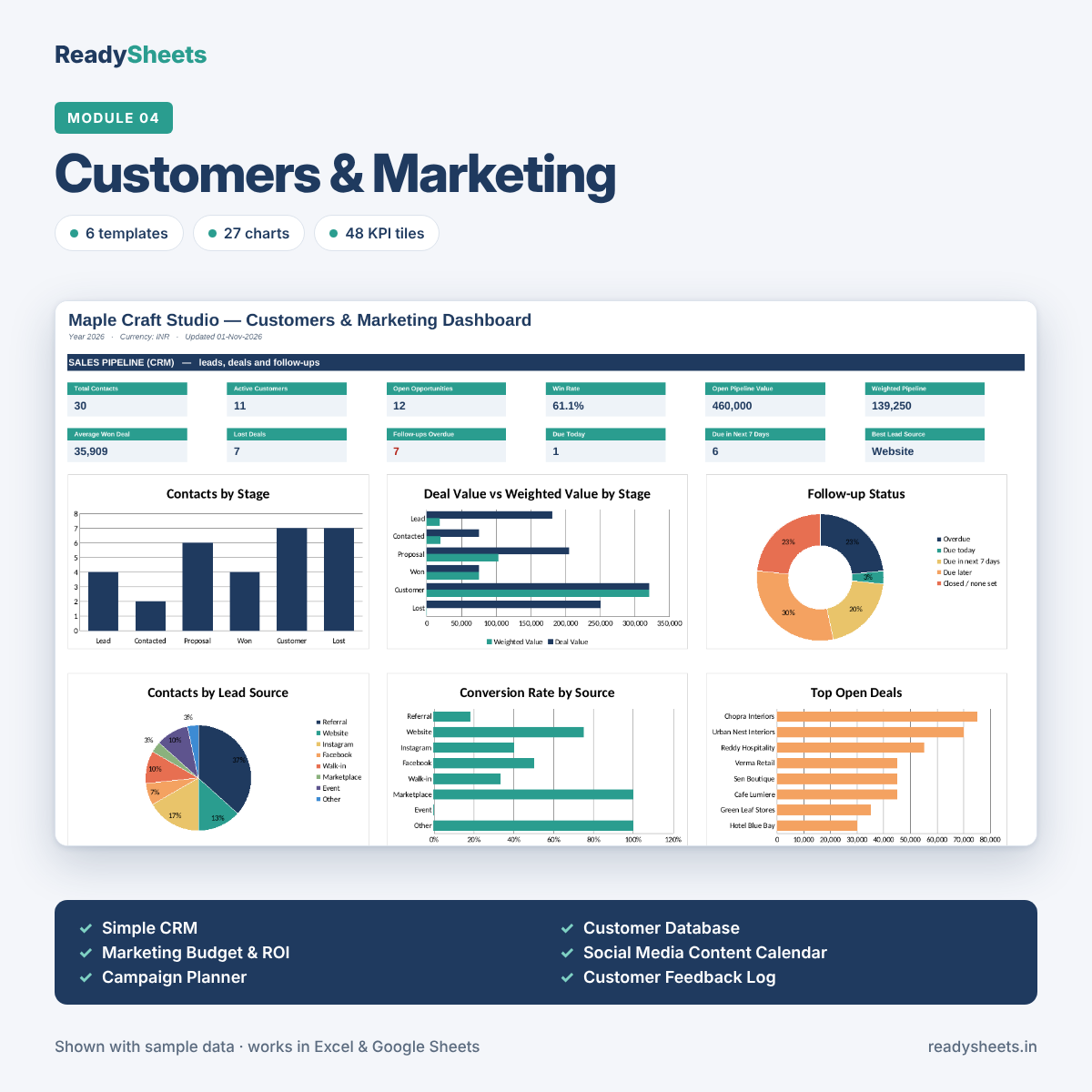
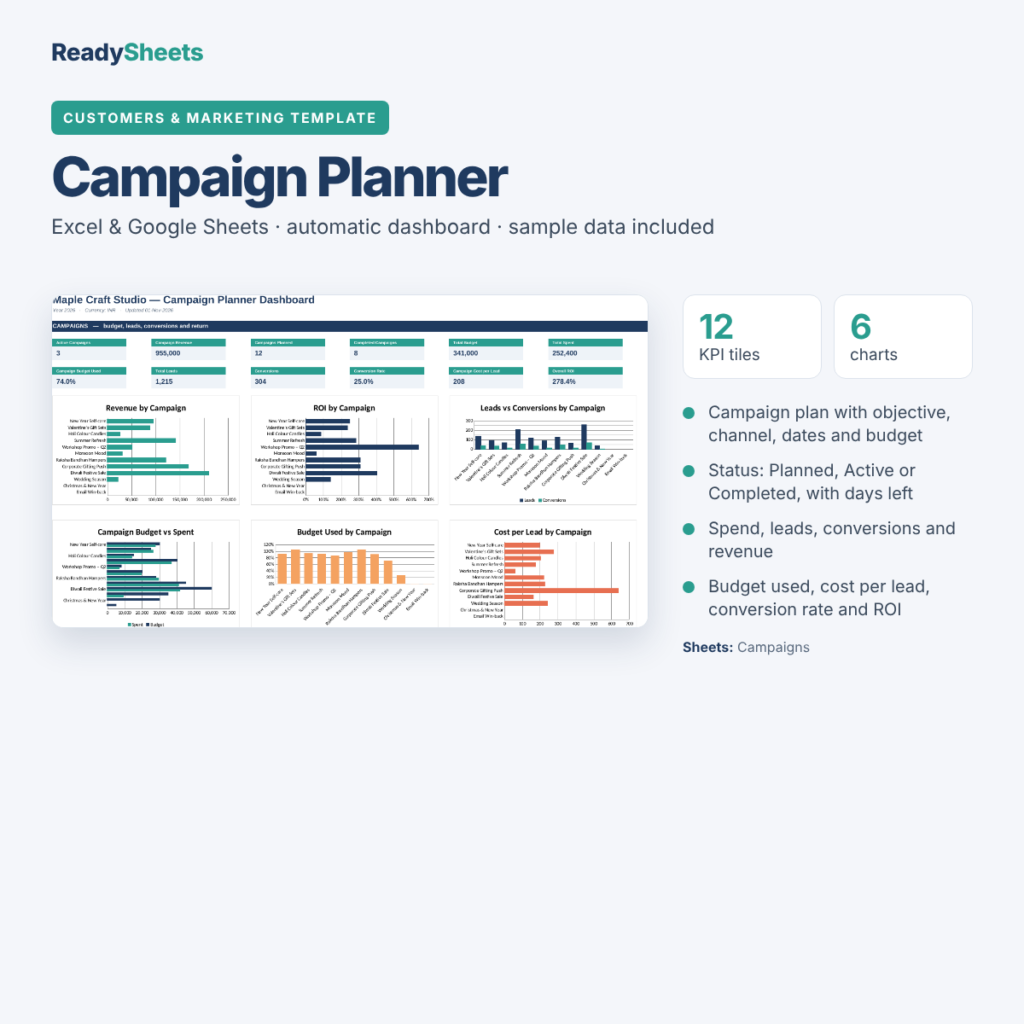
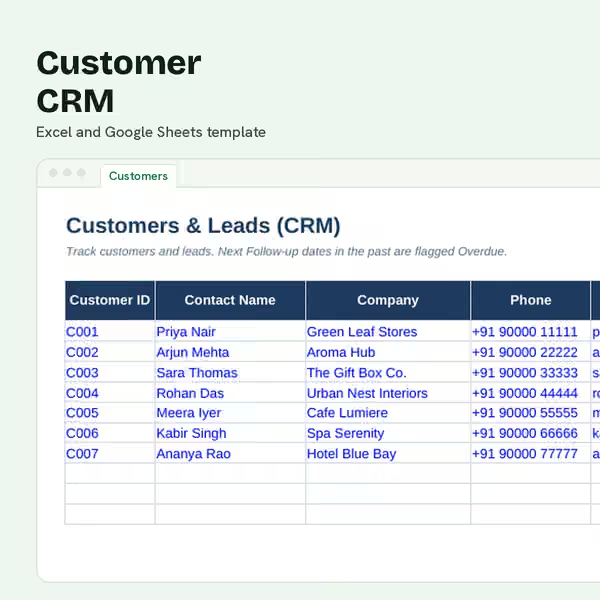
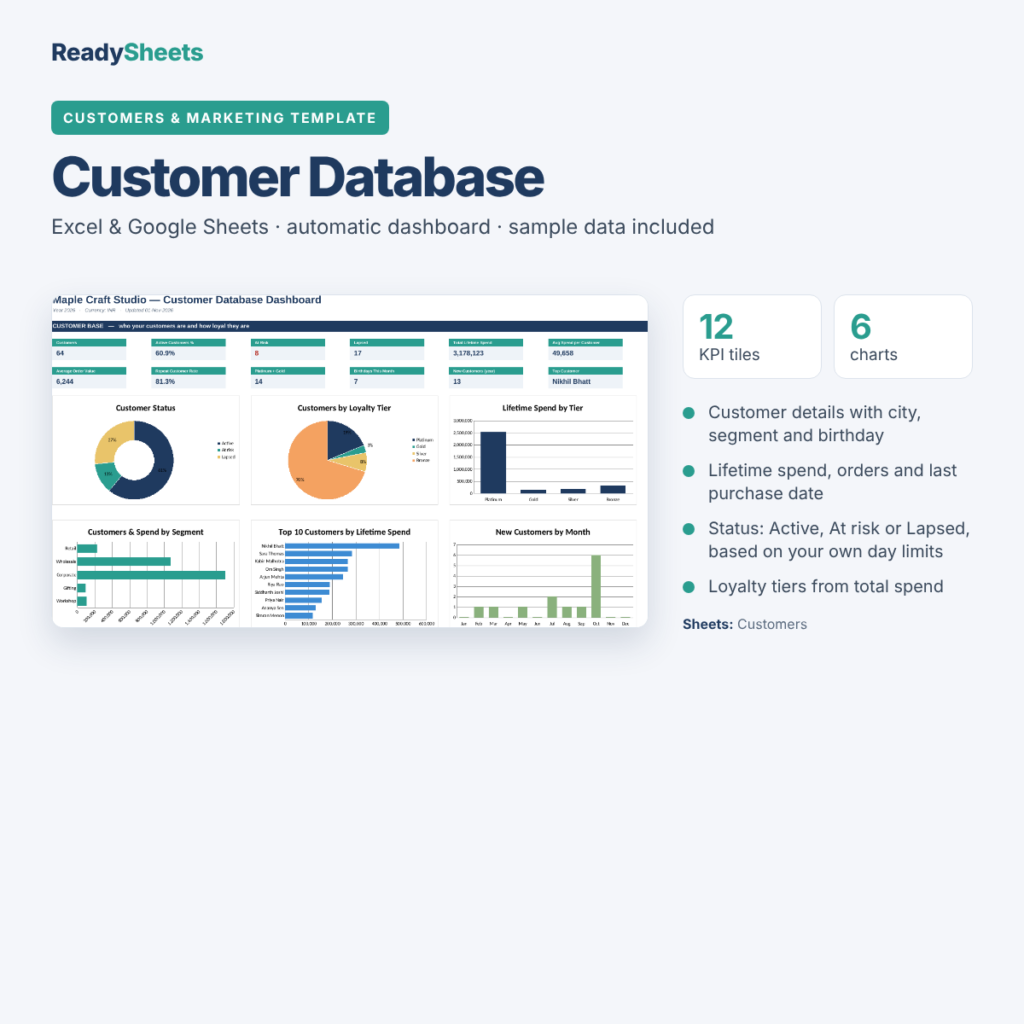
4. Customers & Marketing (6 templates): Simple CRM, Customer Database, Marketing Budget & ROI, Social Media Content Calendar, Campaign Planner and Customer Feedback Log. Track your pipeline, loyal customers, marketing return, post engagement, ratings and Net Promoter Score.
A dashboard in every workbook
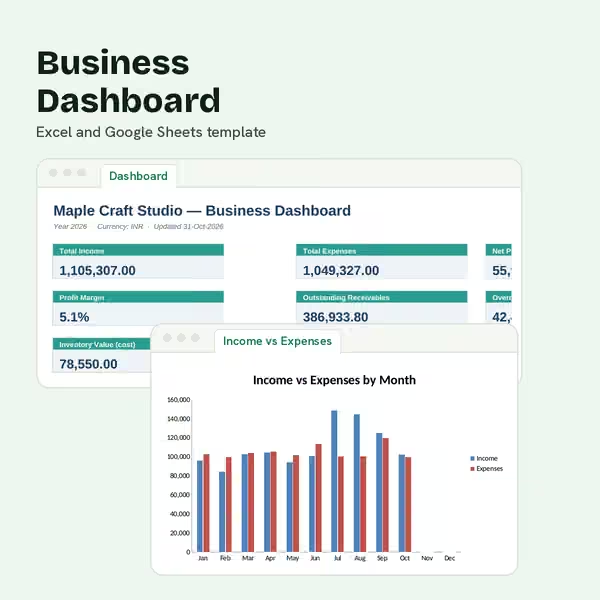
Each workbook opens on a dashboard of headline numbers and charts: 93 charts and 168 KPI tiles across the bundle. See profit and margins, budget vs actual, cash runway, receivables ageing, stock value, best sellers, win rate, marketing ROI and customer ratings at a glance. Nothing to set up: the dashboards read straight from your data.
Built to be easy
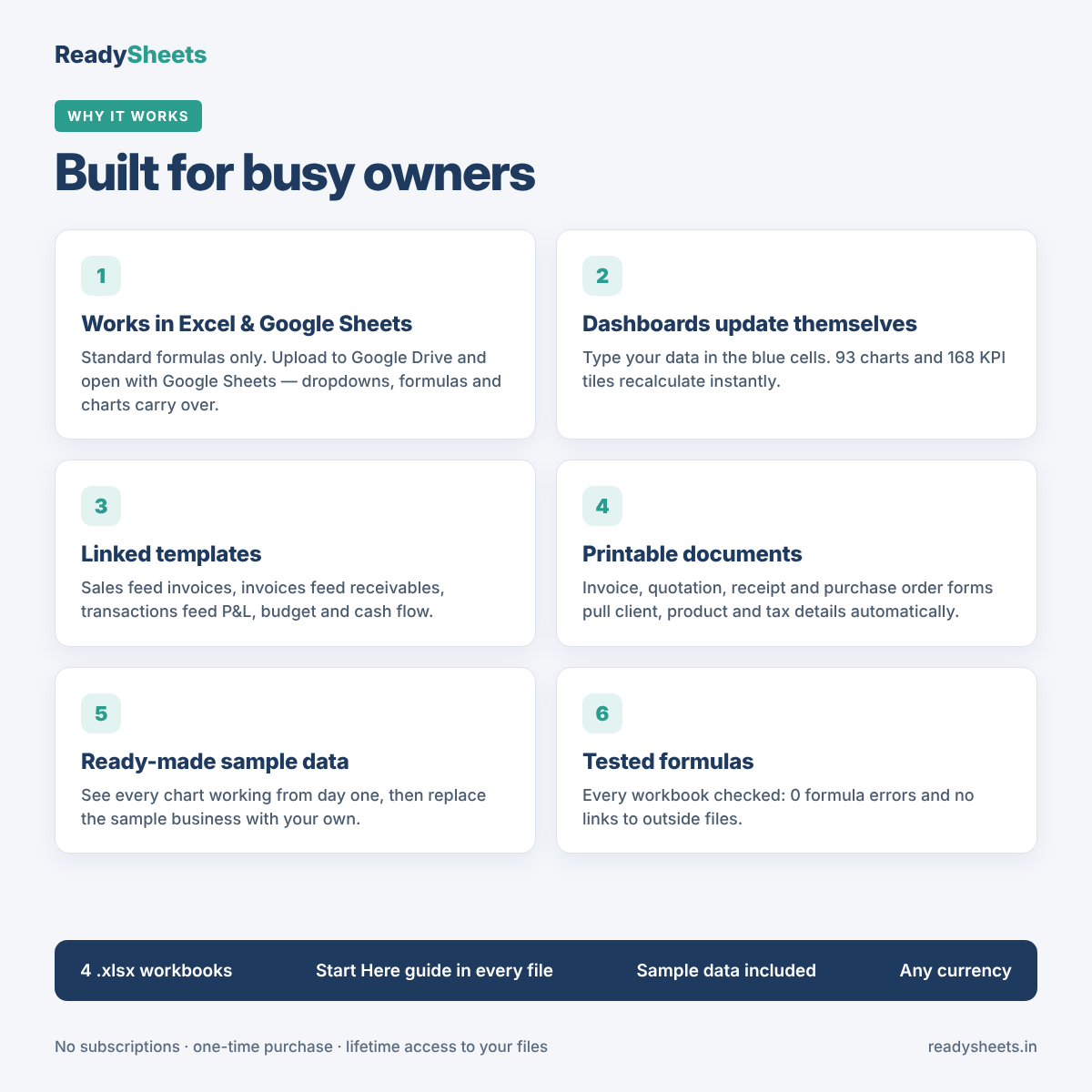
- Works in Excel and Google Sheets: uses standard formulas only. Open in Excel, or upload to Google Drive and choose Open with → Google Sheets.
- Colour-coded cells: blue cells are for typing, grey cells calculate. Formulas are kept separate from your inputs.
- Dropdowns everywhere: categories, clients, products, stages and statuses are picked from lists you control in Settings.
- Printable documents: invoice, quotation, receipt and purchase order forms print on one page with your business details.
- Any currency: set your currency code once; amounts work for INR, USD, AED or any other.
- Sample data included: every workbook ships with a demo business so you can see each chart working before you add your own figures.
- Start Here guide: each workbook opens with step-by-step instructions.
What’s included
| Workbook | Templates | Dashboard |
|---|---|---|
| 1. Financial Management | Income & Expense Tracker, Monthly Budget Planner, Cash Flow Forecast, Profit & Loss Statement, Balance Sheet, Break-even Calculator, Pricing Calculator, Petty Cash Log, Loan / EMI Tracker, GST / VAT Tracker | 24 charts · 48 KPI tiles |
| 2. Sales & Invoicing | Invoice Generator + Invoice Log, Quotation + Quote Log, Payment Receipt, Sales Tracker, Accounts Receivable, Accounts Payable | 21 charts · 36 KPI tiles |
| 3. Inventory & Operations | Inventory Tracker, Purchase Order + PO Log, Supplier Directory, Product Catalogue / Price List, Order Tracker, Asset Register | 21 charts · 36 KPI tiles |
| 4. Customers & Marketing | Simple CRM, Customer Database, Marketing Budget & ROI, Social Media Content Calendar, Campaign Planner, Customer Feedback Log | 27 charts · 48 KPI tiles |
Who it’s for
Shop owners, D2C and Instagram sellers, freelancers, studios, cafés, consultants and service businesses who want clear numbers without buying expensive software.
What you get
- 4 Excel workbooks (.xlsx), delivered as an instant download
- 28 templates, 4 dashboards, 93 charts
- Lifetime access to your files: one-time payment, no subscription
FAQs
Does it work in Google Sheets?
Yes. Upload the .xlsx file to Google Drive, then choose Open with → Google Sheets. Formulas, dropdowns and charts carry over. Chart styling can look slightly different from Excel.
Which version of Excel do I need?
Microsoft Excel 2019, 2021 or Microsoft 365 on Windows or Mac. The workbooks use standard formulas and no macros.
Do I need Excel skills?
No. You type into the blue cells and pick from dropdowns; everything else calculates. Each workbook opens with a Start Here guide.
The files have data in them already: what is that?
It’s sample data for a demo business, so you can see every chart working. Replace or clear the blue input cells and add your own figures.
Can I use my own currency and tax rate?
Yes. Set your currency code and tax rate once in the Settings sheet.
Are the four workbooks linked to each other?
The templates inside each workbook are linked (for example, transactions feed the P&L, budget and cash flow). The four workbooks are independent, so you can use only the ones you need.
How do I get the files?
Right after payment you get a download link on the order page and by email. You can download up to 5 times within a year.
Can I get a refund?
Because these are digital downloads, all sales are final. If a file doesn’t open or something doesn’t work, email us and we’ll fix it or help you set it up.
Can I share or resell the templates?
The licence covers use in your own business. Please don’t share, resell or redistribute the files.
Dashboard images show sample data for a demo business.
Reviews
There are no reviews yet.